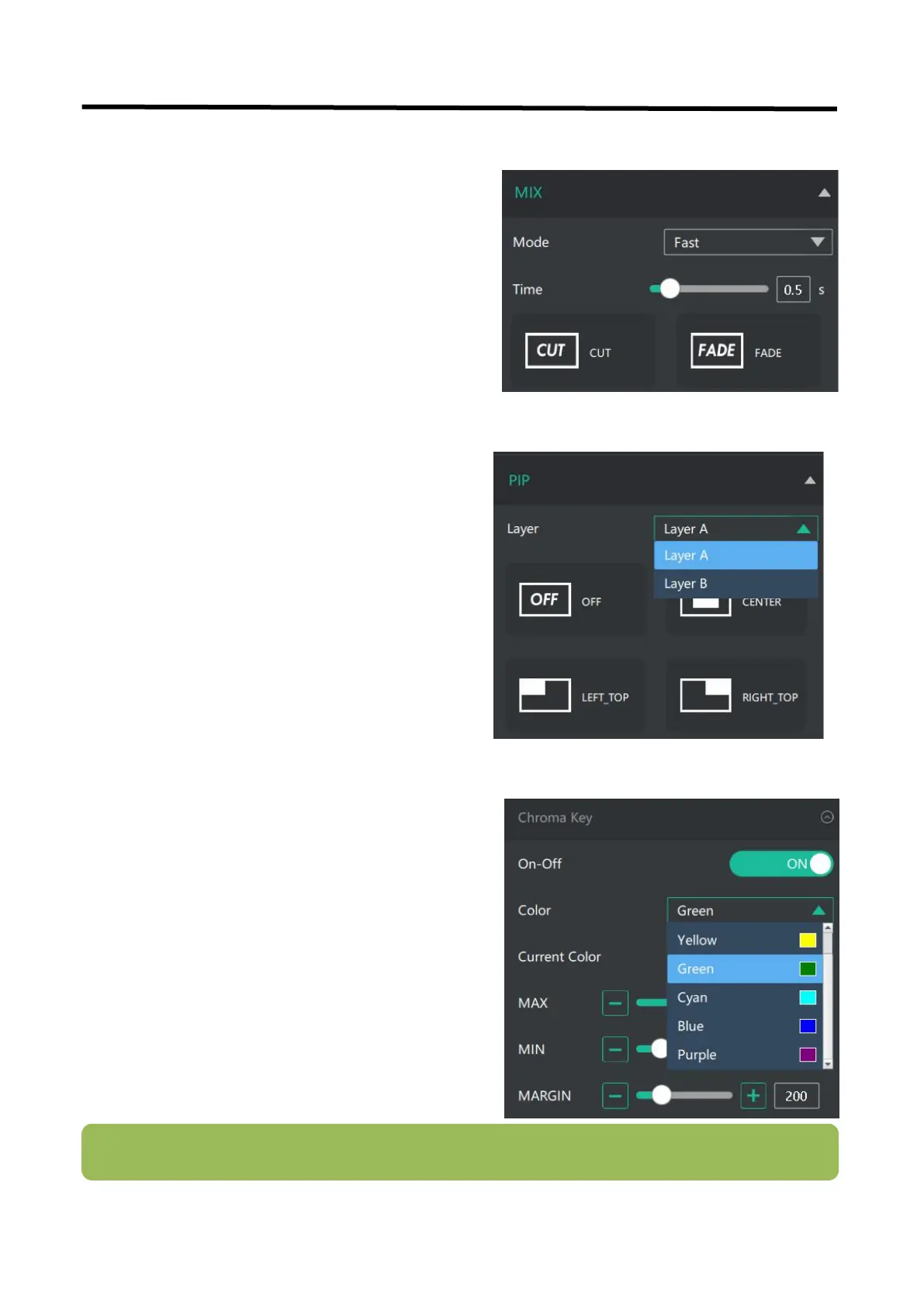
1. Select the base color you want to remove,
there are 6 kinds of colors you can select: orange,
yellow, green, cyan, blue and purple.
2. Adjust color in the range of MAX, MIN and
MARGIN. You can click in the MAX MIN MARGIN
data input box to achieve a more precise keying
effect.
Note: When using chroma key, make sure that the layer you want to edit is on the top layer, which is the B
layer in the PIP setting, otherwise you may not see the chromakey effect.



 To Next Page