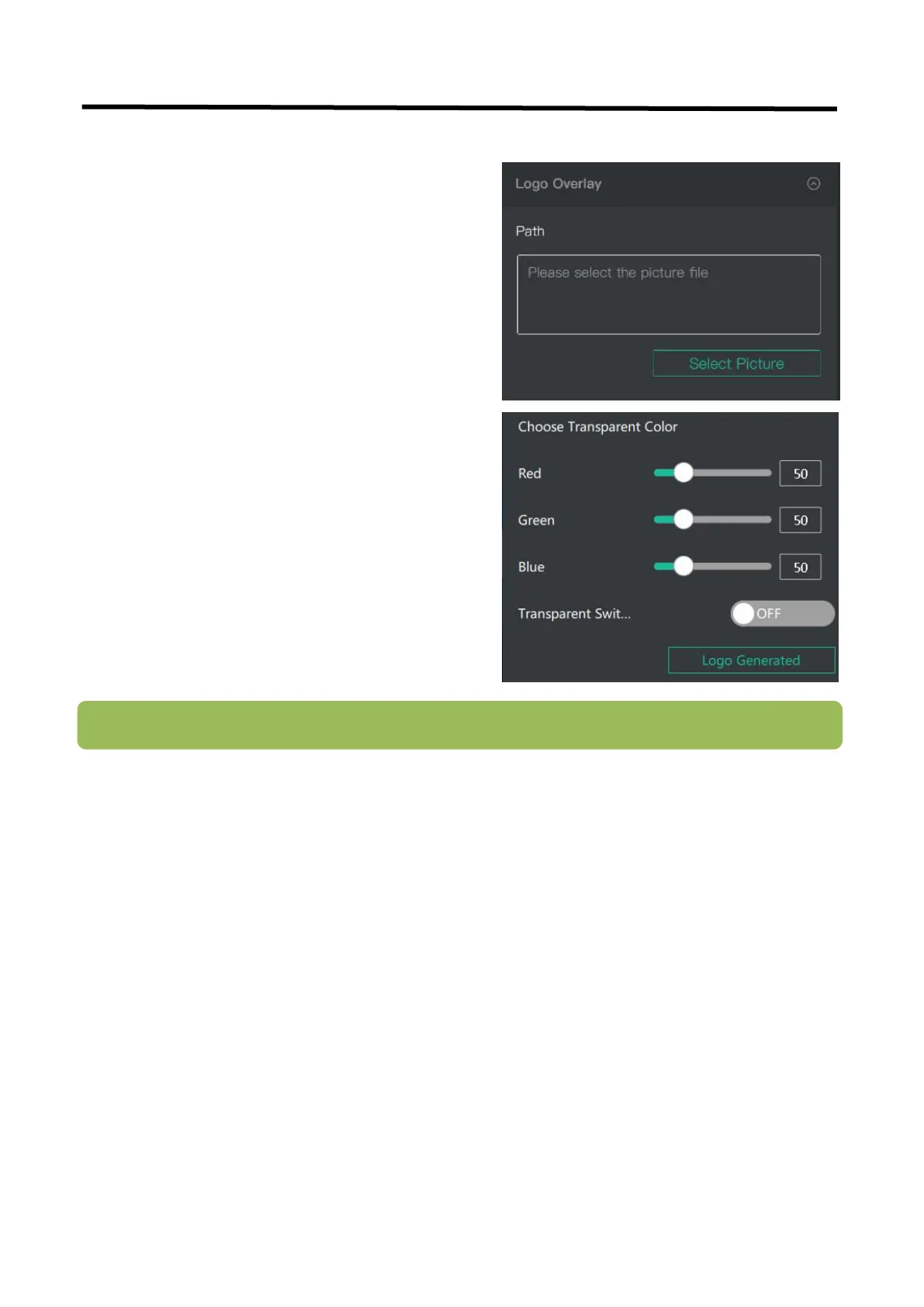
If it is your first time to use Logo Over lay, please
connect L2 PLUS to your computer, and make sure
that IP address of both are in the same network
segment.
1. Select a picture as the Logo.
2. Click “ColorPicker ”and select color you want to
filter in the LOGO picture, and current color can be
seen below.
3. Turn on”Transparent Switch”, the filtered color will
disappear in the LOGO picture.
4. Click “Logo Generated”, “upgrading”will be seen
in the TFT screen of L2 PLUS, and the Logo picture
will be imported in.


 To Next Page