Procedure
1.
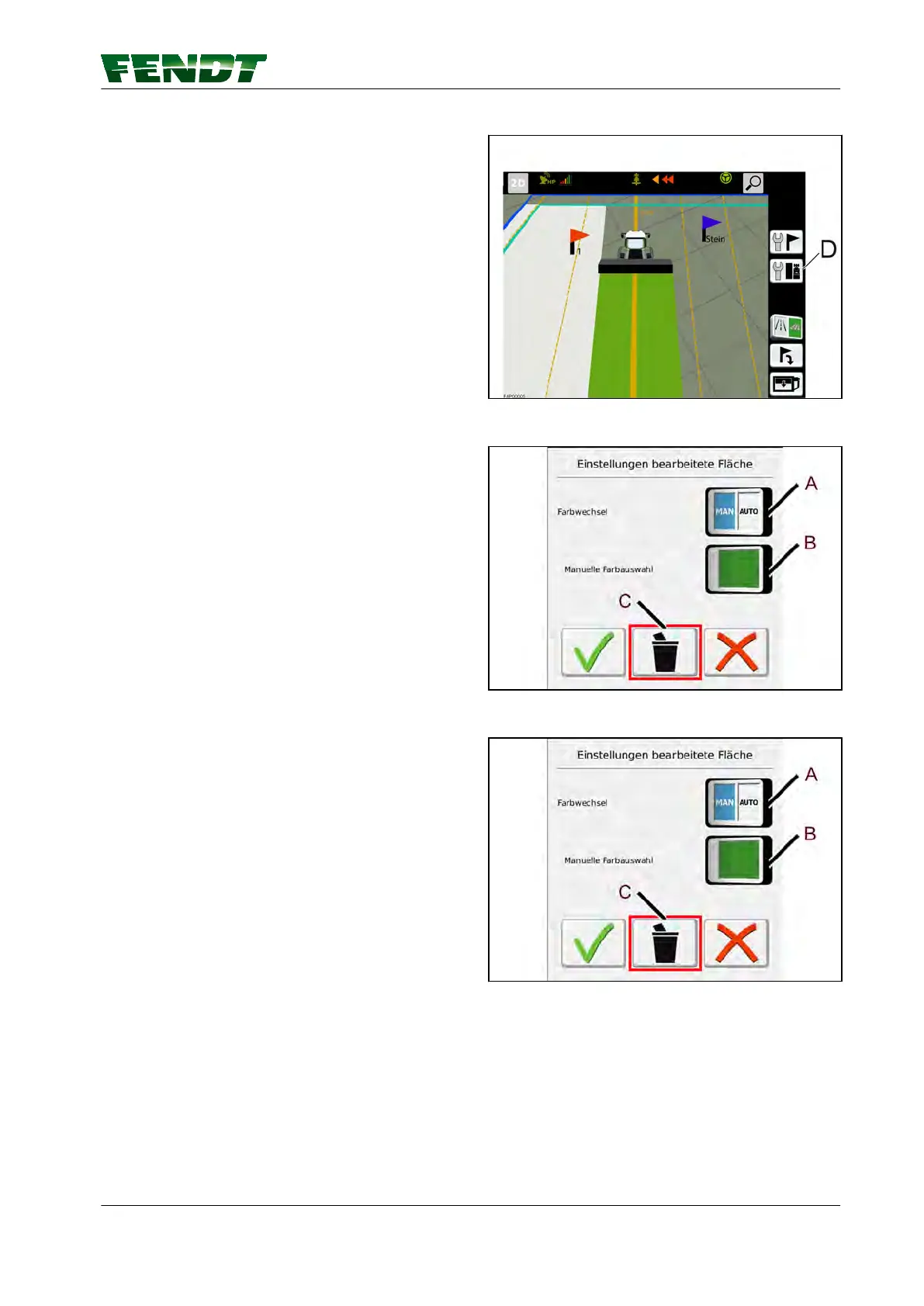
Press soft key (D) and a pop-up appears.
Fig. 9
Color settings for processed area.
2.
Press soft key (A) or (B) to activate manual or
automatic color selection.
(A) MAN/AUTO softkey
(B) Manual color selection softkey
(C) Delete the area marker in the current
field
Fig. 10
Delete the area marker in the current field
3.
Press soft key (C) and a pop-up appears.
Fig. 11
5. Map view
VarioGuide 51
438.020.070.012



 To Next Page