Pag 44
MDS DIRECT
MDS DIRECT
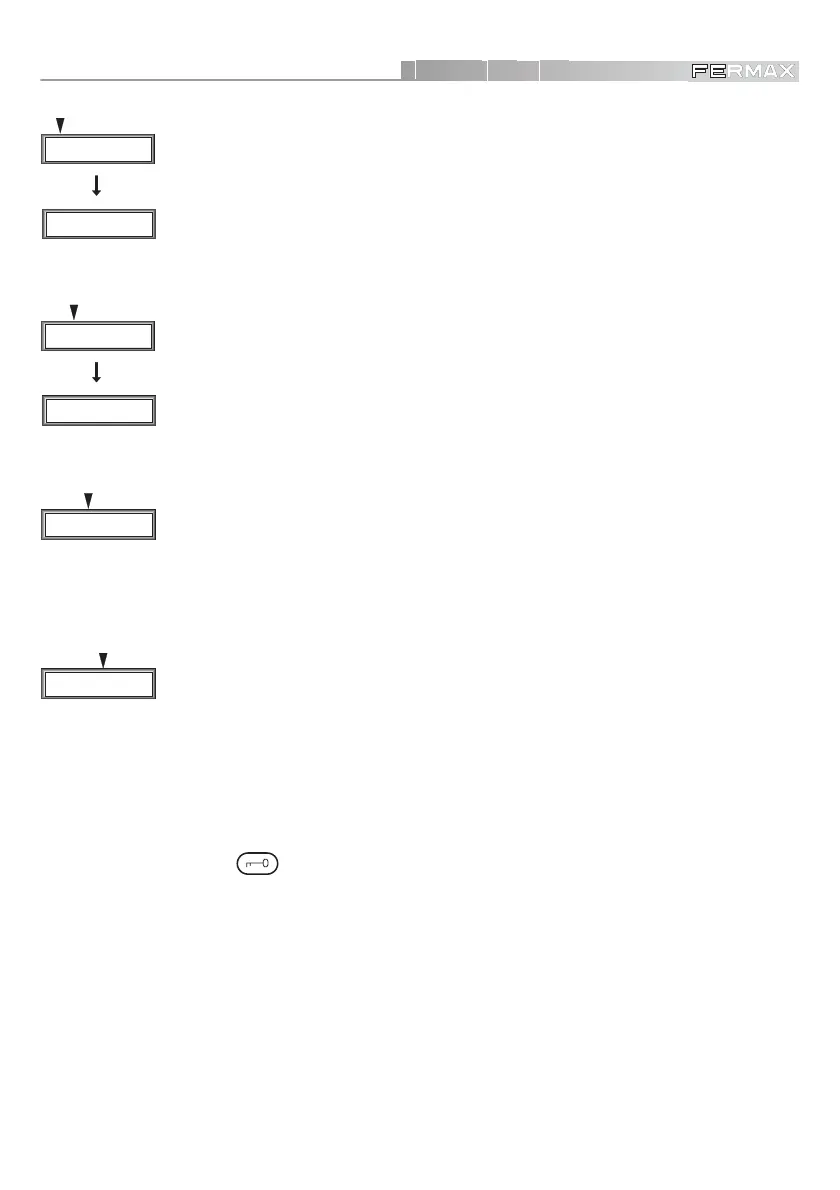
- Individual Programming (In)
By pressing ‘1’ we can program each decoder output individually. To do so, press
the decoder programming button once this option has been selected. The upper
line of the display will show the type of decoder (ISO, AUDIO-4, AUDIO-8) and the
lower line shows the telephone number. This address may be left unchanged by
pressing ‘’, or can be modified by keying in the new address and validating it with
‘’.
- Sequential Programming (Se)
Select ‘2’ to access the sequential programming option. We must indicate the initial
phone number, confirming by ‘’. Then we go decoder by decoder, pressing the
programming button, so that the system will automatically assign consecutive
numbers to the telephones. Finalise by pressing ‘’.
- Programming from the Telephone (Tel)
Press ‘4’: this option lets you program the decoders without directly accessing them.
This may be done in two different ways:
* Manual, two people are required (one to go over the installation phone by phone
and another at the panel, assigning numbers).
* Automatic, only one person is needed. The system asks for the number of initial
and assigns the numbers consecutively to the telephones required.
Basically, the operating principle is the same in both cases: pressing the open door
button
. If you wish to exit this mode, just press ‘’.
- Code Change (Co)
Utilising option ‘3’ you can change the number assigned to a telephone: the system
will ask for the current number (press ‘’ to accept). If the telephone does not exist,
an error message will be generated. If the number exists, it will ask for the new
number for this phone. Enter it and validate with ‘’.
NOTE :
9 Relay Decoders, Panel Decoders and Sensor Decoders CANNOT be programmed from MDS
DIRECT panels.
Pousser P touche
dans le decoder ...
Press PRG button
in decoder ...
D1 2 3 4
eInSeCoTel
Initial Code
0 0 0 0
D1 2 3 4
eInSeCoTel
D1 2 3 4
eInSeCoTel
D1 2 3 4
eInSeCoTel













 To Next Page