102
EN
cod. 3542B380 - Rev 00 - 05/2022
6.2 TECHNICAL MENU - INSTALLATION
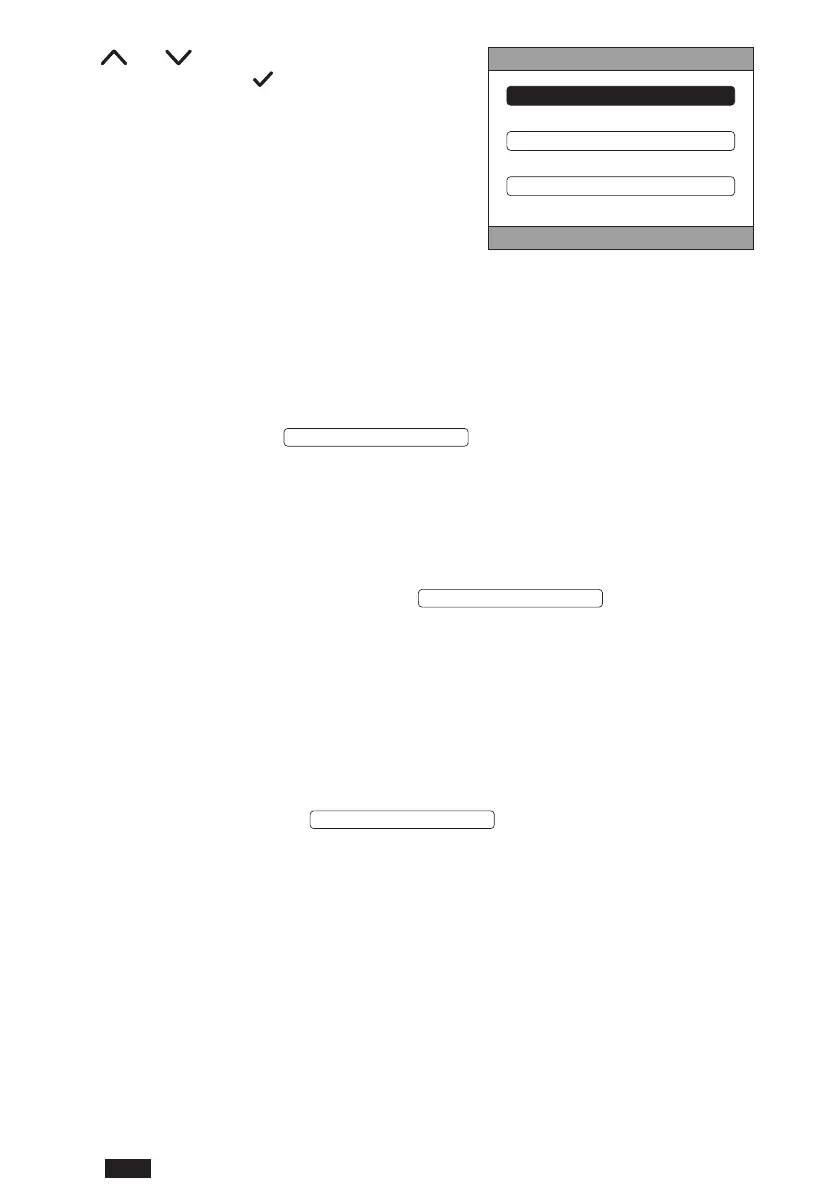
Using the and buttons, select the INSTALLA-
TIONmenuandconrmwiththe button.
TECHNICAL
DIGITAL INPUT
INSTALLATION
SYSTEM TYPE
g. 66
From this menu it is possible to:
1. Mange the various zones.
In particular, for each zone, it will be possible to:
• Pair the zone to an RF device
MENU >> TECHNICAL >> INSTALLATION >> ZONES MANAGER >> (CHOOSE THE DESIRED ZONE) >>
RF DEVICE >> PAIRING
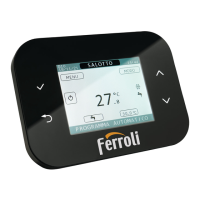
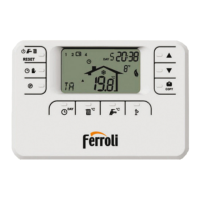
NOTE To pair an RF device (
) see “ANNEX 1 - PAIRING AN RF DEVICE” on
page 106
• Set the "Climatic curves”
MENU >> TECHNICAL >> INSTALLATION >> ZONES MANAGER >> (CHOOSE THE DESIRED ZONE) >>
CLIMATIC CURVES
NOTES Dene the climatic curves for the heating and cooling modes
For the correct setting of climatic curves (
) see “ANNEX 3 - CLIMATIC
CURVES” on page 107
• Congure the type of system
DIRECT ZONE
(MENU >> TECHNICAL >> INSTALLATION >> ZONES MANAGER >> (CHOOSE THE DESIRED ZONE)
>> HYDRAULIC CONF >> DIRECT ZONE)
MIXING ZONE
(MENU >> TECHNICAL >> INSTALLATION >> ZONES MANAGER >> (CHOOSE THE DESIRED ZONE)
>> HYDRAULIC CONF >> MIXING ZONE)
NOTE For correct conguration (
HYDRAULIC CONF
), the hydraulic system conguration must be
scrupulously followed.
• Change the zone name
(MENU >> TECHNICAL >> INSTALLATION >> ZONES MANAGER >> (CHOOSE THE DESIRED ZONE)
>> CHANGE NAME)
2. Add a zone
3. Delete a zone
4. Calibrate the Connect CRP temperature sensor
5. Reset the Connect CRP


 To Next Page
 Loading...