85
EN
cod. 3542B380 - Rev 00 - 05/2022
• Congure the type of system
Direct
MENU >> TECHNICAL >> INSTALLATION >> ZONES MANAGER >> (CHOOSE THE DESIRED ZONE)
>> HYDRAULIC CONF >> DIRECT ZONE
Mixed
MENU >> TECHNICAL >> INSTALLATION >> ZONES MANAGER >> (CHOOSE THE DESIRED ZONE)
>> HYDRAULIC CONF >> MIXING ZONE
NOTE For correct conguration (
) the hydraulic system conguration must be
strictly followed.
• Change the zone name
(
)
MENU >> TECHNICAL >> INSTALLATION >> ZONES MANAGER >> (CHOOSE THE DESIRED ZONE)
>> CHANGE NAME
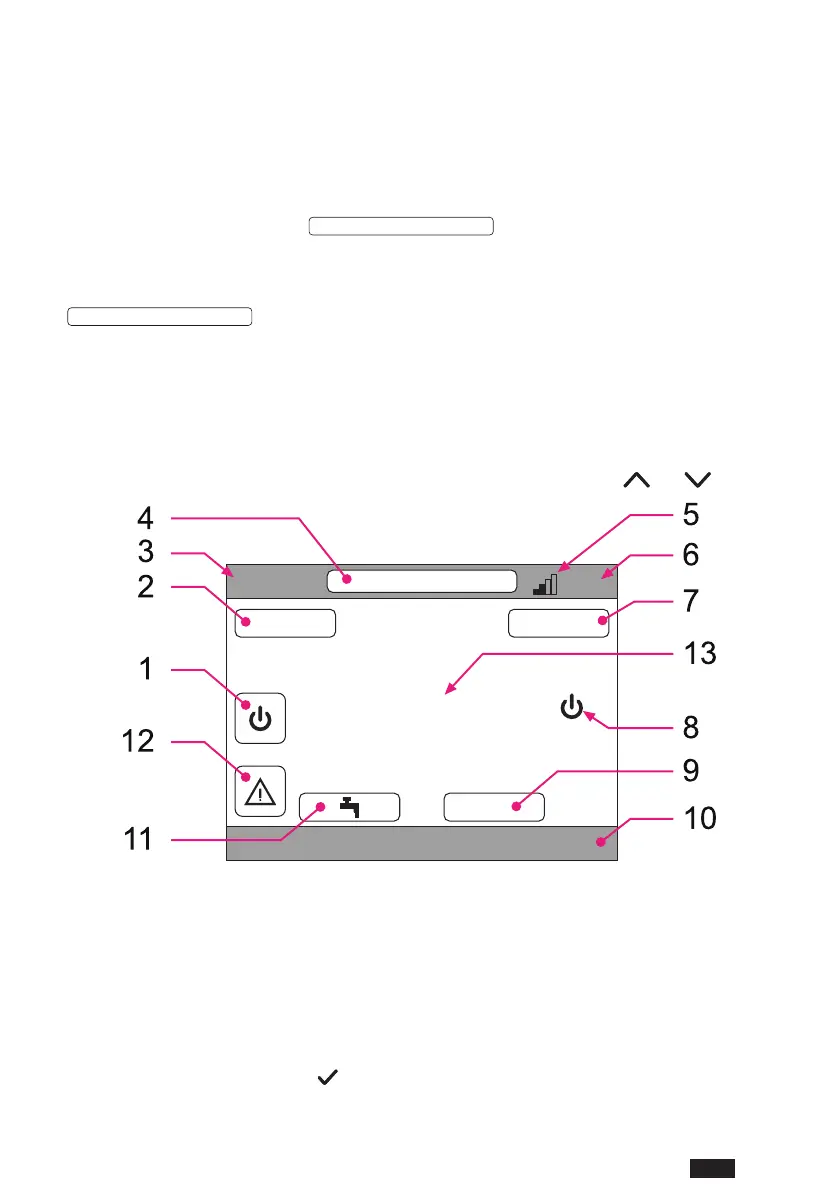
4.3 MAIN SCREEN
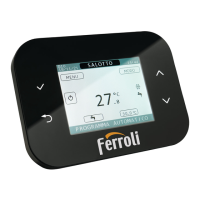
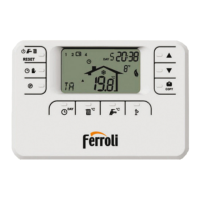
The main screen of the Connect CRP is divided into several areas, selectable using the and shift buttons.
CRP
TUE
23/07/19 12:19
27.5
MENU MODE
16.0 °C
g. 21 - Main screen
Active areas
1 System
2 MENU
4 Selected zone/Zone change
7 MODE
9 Ambient set point
11 DHW temp. set point
12 Alarm
Inactive areas
3 Current day and date
5 WiFi signal strength
6 Current time
8 Current operating status
10 Running text
13 Zone temperature
Once an active area is selected, press the
button to access the relevant functions.


 To Next Page
 Loading...