92
EN
cod. 3542B380 - Rev 00 - 05/2022
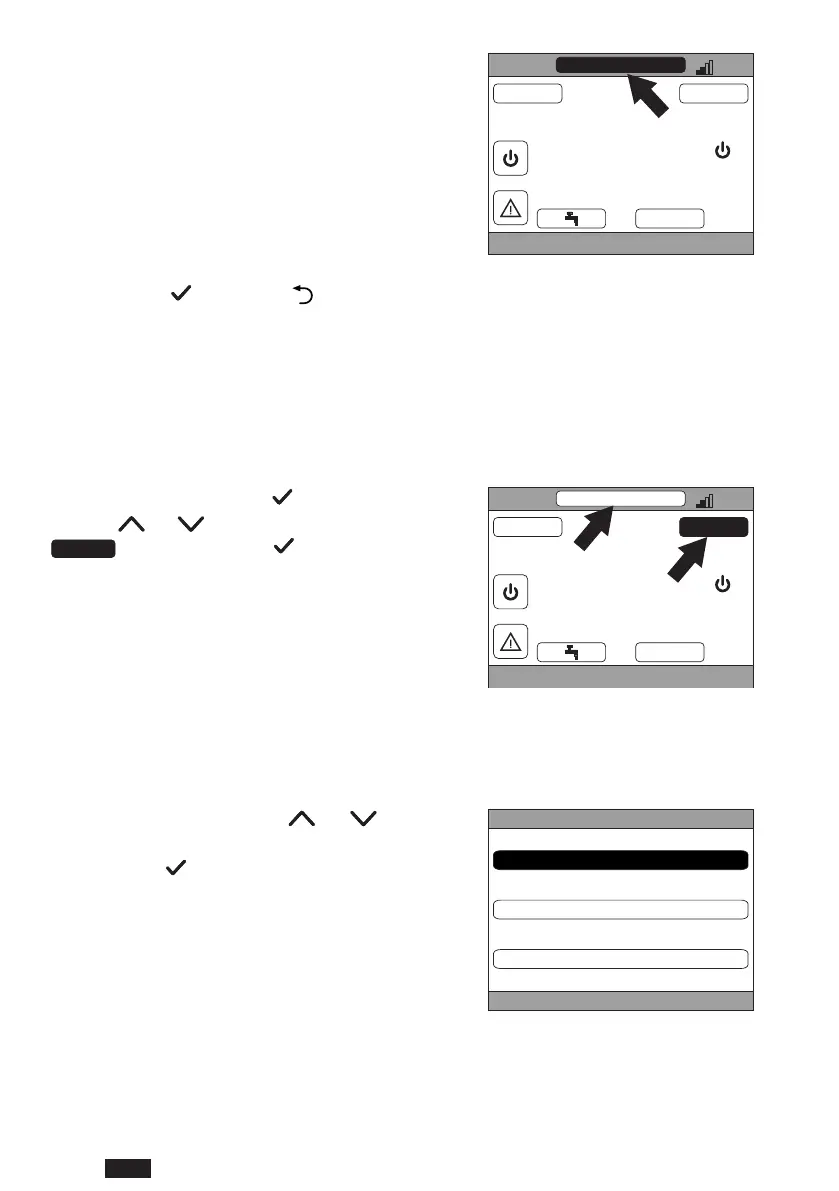
5.2 DISPLAY THE TEMPERATURE OF A ZONE
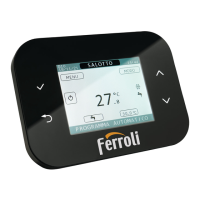
1. Go to the "SELECTED ZONE / ZONE CHANGE"
area
CRP
TUE
23/07/19 12:19
27.5
MENU MODE
16.0 °C
°C
g. 37
2. Press the button or the button to switch from one zone to another: the name of the selected zone will
appear in the box.
NOTE The change occurs cyclically in all the congured zones.
Once the desired zone has been selected, the room temperature of the zone will be displayed in the center of the
main screen.
NOTE: The info indicated in the bottom running text and the MODE menu will refer to the selected zone.
5.3 OPERATING MODE SETTING
1. Select the desired zone with the button.
2. Using the
and buttons, select the active area
,thenconrmwiththe button.
CRP
TUE
23/07/19 12:19
27.5
MENU MODE
16.0 °C
g. 38
NOTE The possible zone modes are:
a. AUTOMATIC: The zone ambient set point is determined according to the time schedule.
b. MANUAL: The zone ambient set point can be set, and remains constant.
c. ZONE IN STAND BY: Zone heating/cooling requests are disabled.
3. Select the desired mode using the
and but-
tons.
4. Conrmwiththe
button.
CRP
AUTOMATIC
MANUAL
ZONE IN STAND BY
g. 39
The current zone mode is indicated by the running text at the bottom of the main page.


 To Next Page
 Loading...