104
EN
cod. 3542B380 - Rev 00 - 05/2022
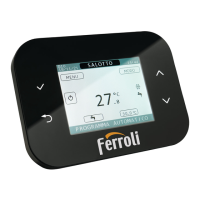
7. CONNECT CRP TO APP PAIRING
NOTE Remote management of the Connect CRP device can be done via a cell phone in which it is possible
to install apps for Android or IOS.
1. From the smartphone store, download and install the
app “Ferroli CRP”.
(The app is available for Android or iOS devices).
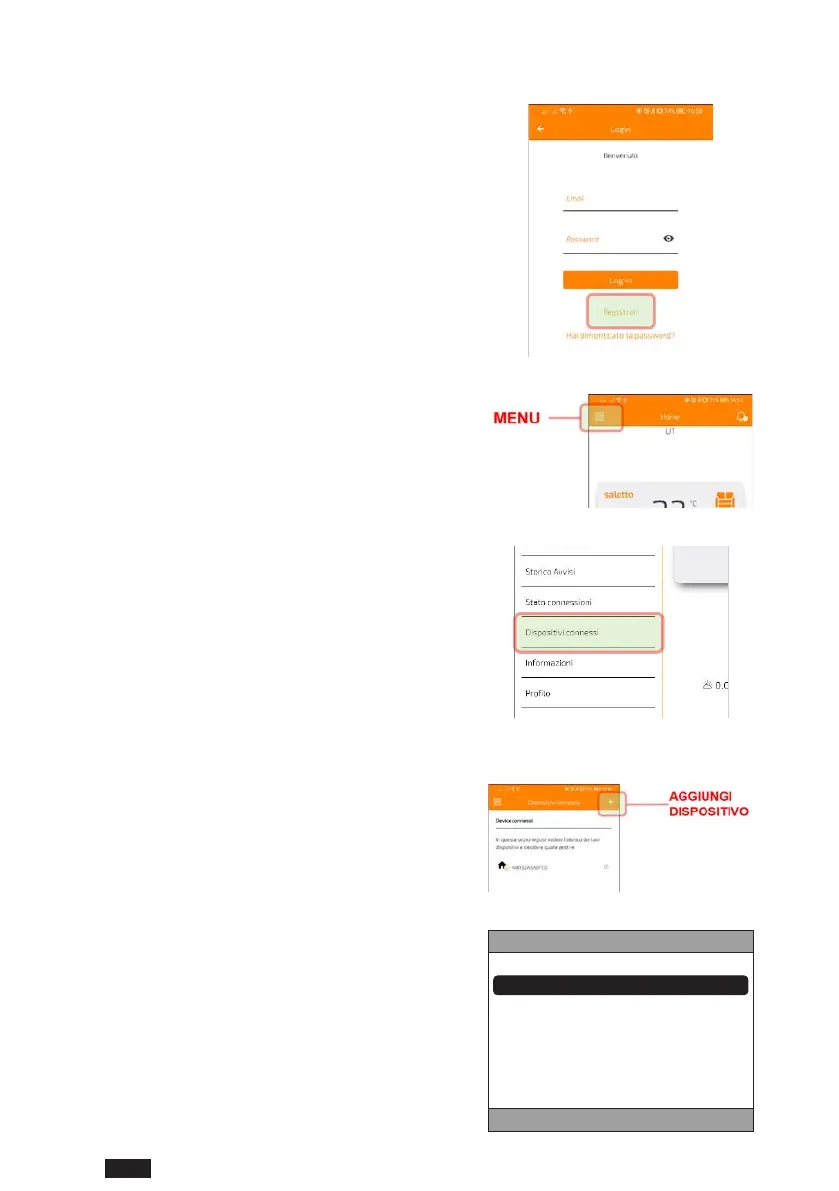
2. Once installed, to be used the app will request login
credentials.
If you do not already have the login data, proceed
with registration
g. 69
3. Once logged in, from the main screen click on the
"Menu" button
g. 70
4. From the side menu click on the "Connected devices"
button
g. 71
5. Press the button at the top right to pair a new
Connect CRP device with the app.
g. 72
6. In the Connect CRP follow the path “MENU >>
WIFI >> SERIAL” to retrieve the serial code of the
Connect CRP.
S E R I A L E
XXXXXXXXXXXX
g. 73


 To Next Page
 Loading...