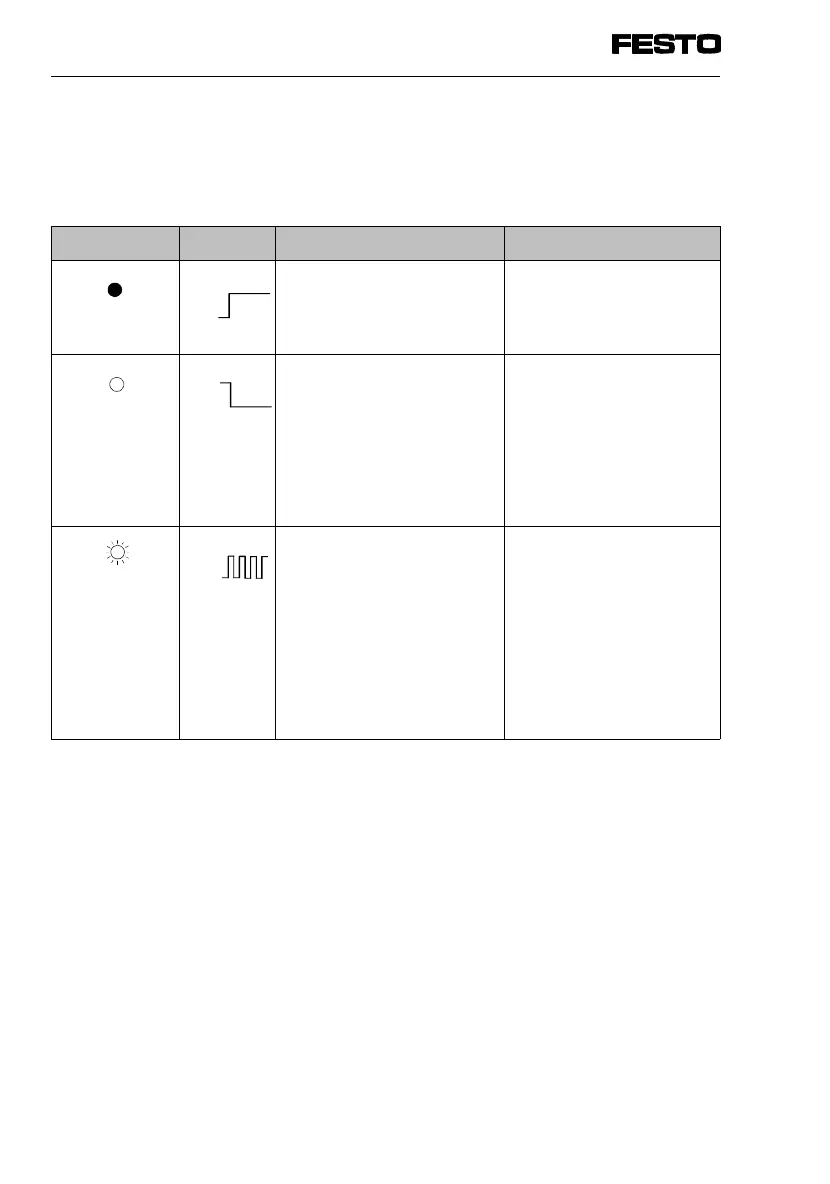
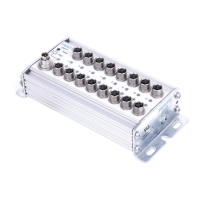
The operating status of the input module is shown by
the status LED on the CP connection. The meanings
are as follows:
Status LED
Status LED Sequence Operating status Error treatment
LED lights up
Operating voltage applied None
LED is out
- operating voltage
not applied or no
connection to node
or
- incorrect line assignment
during operation,
• Check CP cable and
operating voltage
connection at node
(pin 1)
or
• Correct line
assignment
LED flashes
- Test phase when
operating voltage
is switched on
or
- short circuit in
sensor supply
or
- incorrect line assignment
when power supply
is switched on
• None
or
• eliminate short circuit
and delete fault
1)
or
• check line assignment
2)
1) The error can be deleted if the input module is separated from the line or if the power
supply is switched on again at the node.
2) If the line assignment has been modified (CP modules added or removed), you must
store the new line assignment by pressing the SAVE button on the node
(see manual "CP system, installation and commissioning").
ON
OFF
ON
OFF
ON
OFF
1. Input module type CP-E16...-M...
1-22 CP-E16...-M... 9611A


 To Next Page