FieldBee toolbox manual v.1.0
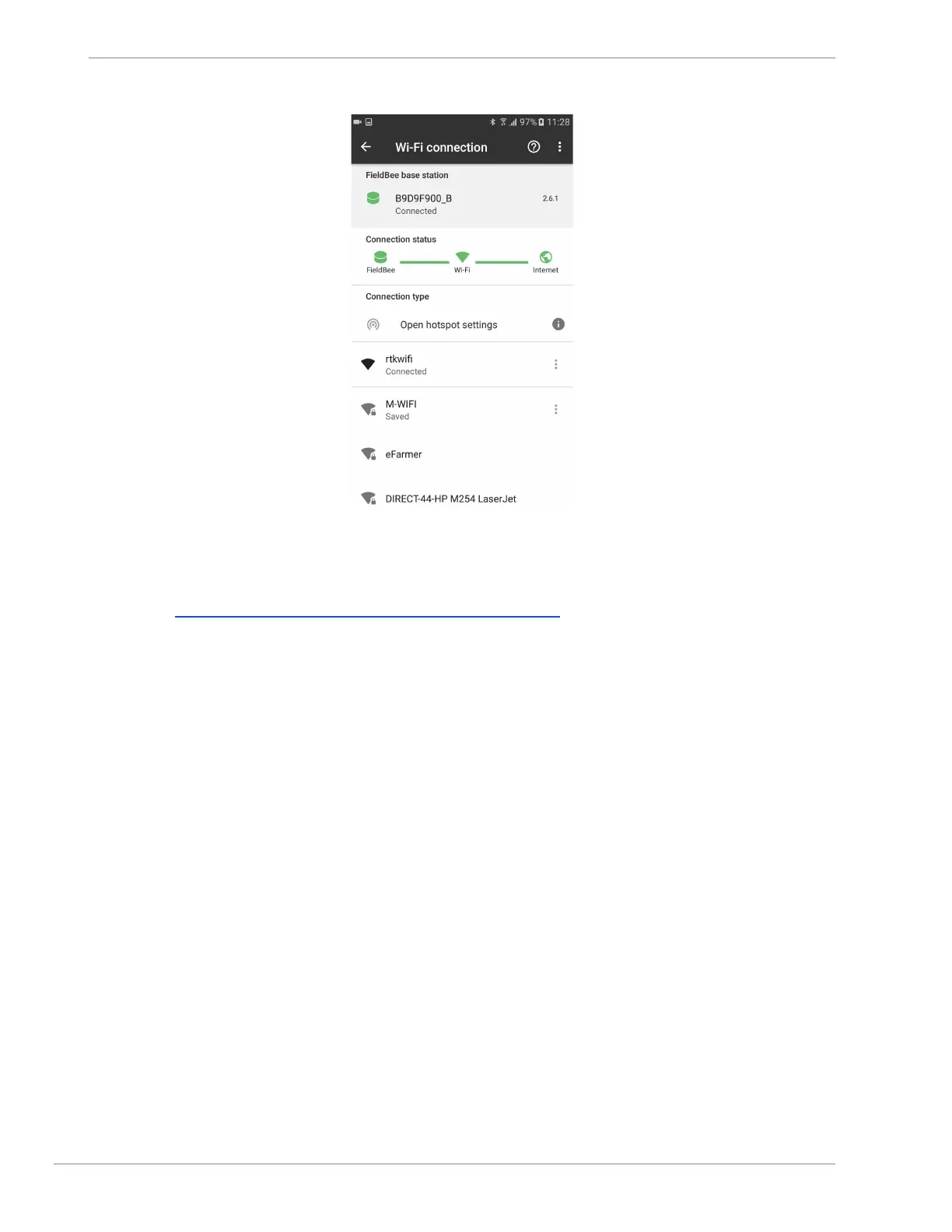
fig.5.7
2. Connect Receiver to the Internet
Open Chapter Standalone sensor with correction from local NTRIP provider
3. Connect FieldBee GNSS Receiver to FieldBee base station.
1) Open Main Menu for FieldBee GNSS Receiver.
2) Tap FieldBee base station. (fig.6.1)
3) Tap Add new base. (fig.6.2)
4) Input Base serial number. (fig.6.3)
5) Tap Connect button to apply. (fig.6.4)
Base is added to the list
6) Tap on Base serial number to apply connection (fig.6.5)
7) FieldBee GNSS Receiver is connected to Base station (fig.6.6)
8) FieldBee GNSS Receiver has RTK correction (fig.6.7)


 To Next Page