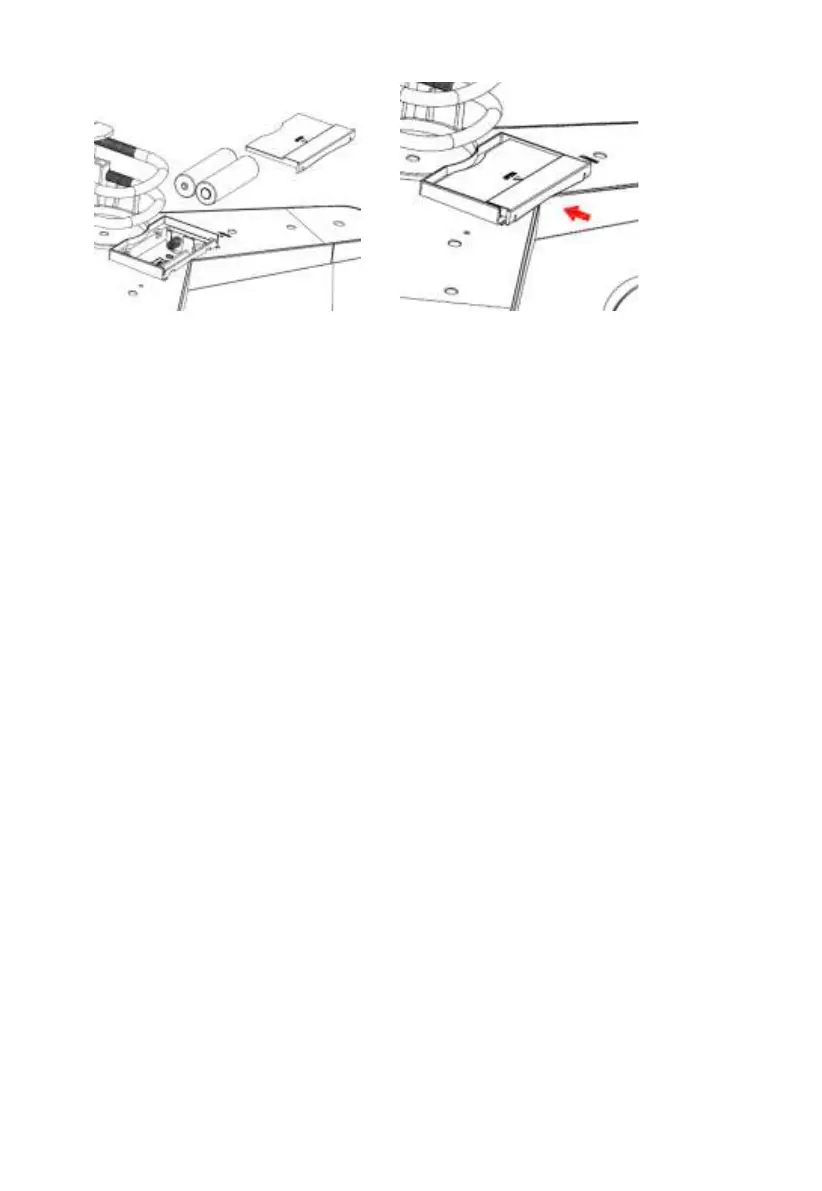
Figure 8: Battery installation diagram
Note: If LED does not light up or is on permanently, make sure the battery
is inserted the correct way and inserted fully, starting over if
necessary. Do not install the batteries backwards as it may
permanently damage the outdoor sensor.
Note: We recommend Lithium batteries for cold weather climates, but
alkaline batteries are sufficient for most climates. Rechargeable
batteries have lower voltages and should never be used.
5.3.6 Mount assembled outdoor sensor package
Install the integrated wireless sensor in an open space, away from obstacles
such as other buildings, trees, etc. that prevent free wind flow, to ensure
undistorted measurements of individual weather elements. Point the part with
the vane and propeller north for correct wind direction measurement. Place
the integrated wireless sensor onto the stand (not included) at a minimum
distance of 1.5 metres from the ground to prevent the measured values being
affected by the ground surface and tighten the bolts. Use the spirit level on the
top of the integrated wireless sensor to ensure that it is level. Tighten the
U-bolt nuts.



 To Next Page