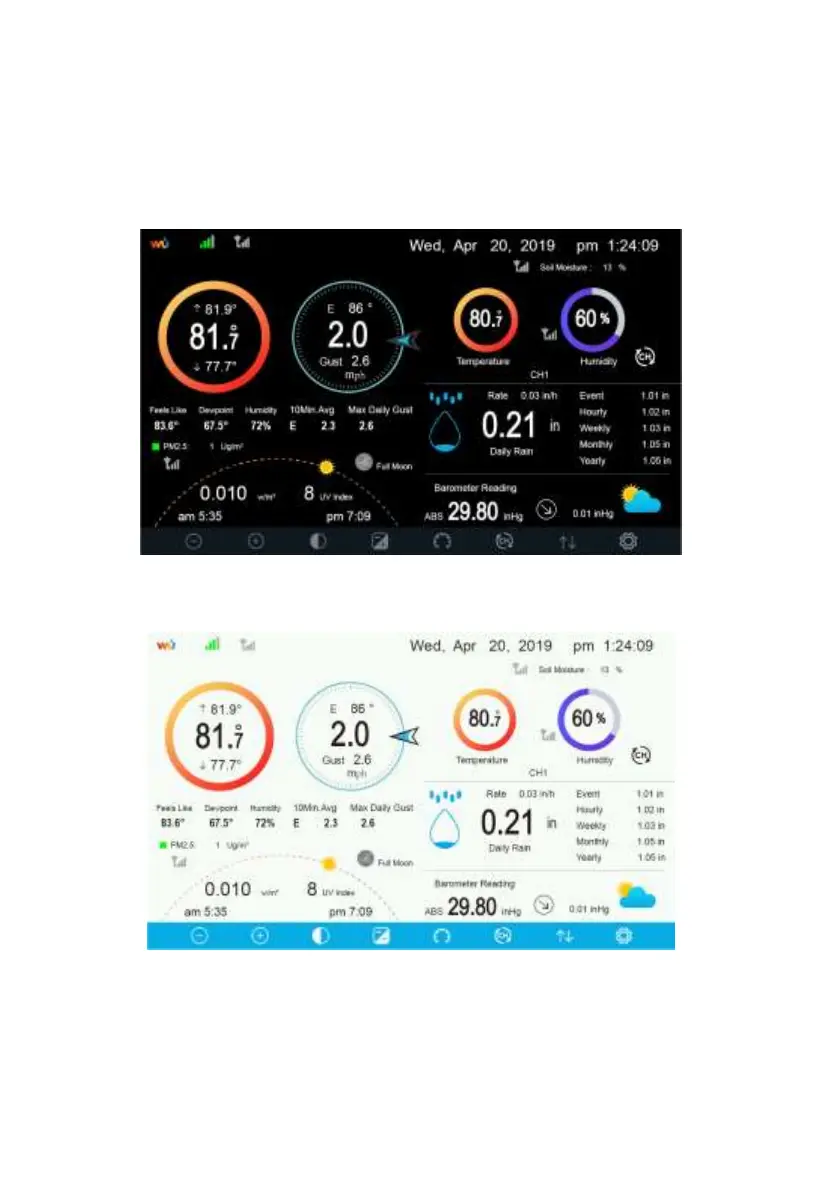
5.7.1 Initial Display Console Set Up
Immediately after power up (inserting power adapter), the unit will turn on the
display, and the unit will start to look for reception of the indoor and outdoor
sensor data. This may take up to 3 minutes.
Dark Background Display
Light Background Display
Note: Sunrise/sunset time display will only work properly when GEO
location has been set up correctly. GEO setup can be carried out under setup
menu.



 To Next Page