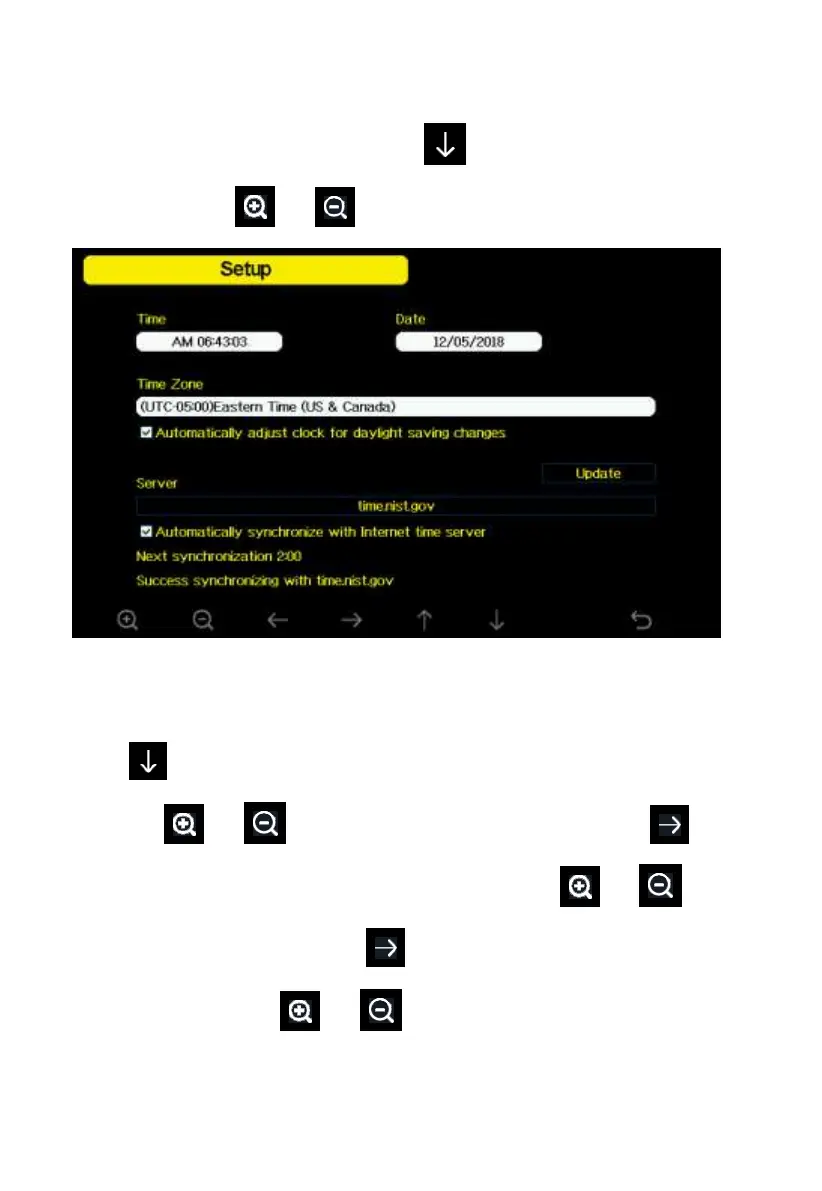
5.10.1 Date and Time setting
While in Menu Setting Mode, press key to select Date and Time
Setup field, press or key to enter Date and Time Setup mode:
Figure 24: Time and date Setup Screen
1) Time setting (hour/minute/second)
Press key to select time setting field, and the hour digit will turn red,
press the or key to change the hour setting. Press to set
the minute, the minute digit will turn red, press the or key to
change the minute setting. Press to set the second, and the second digit
will turn red, press the or key to change the second setting
2) Date setting



 To Next Page