Press or key to select Register setting field, press the or
key to register the selected sensor
5.10.10 Backlight setting
While in Menu Setting Mode, press key to select Backlight Setup field,
press or key to enter backlight Setup mode:
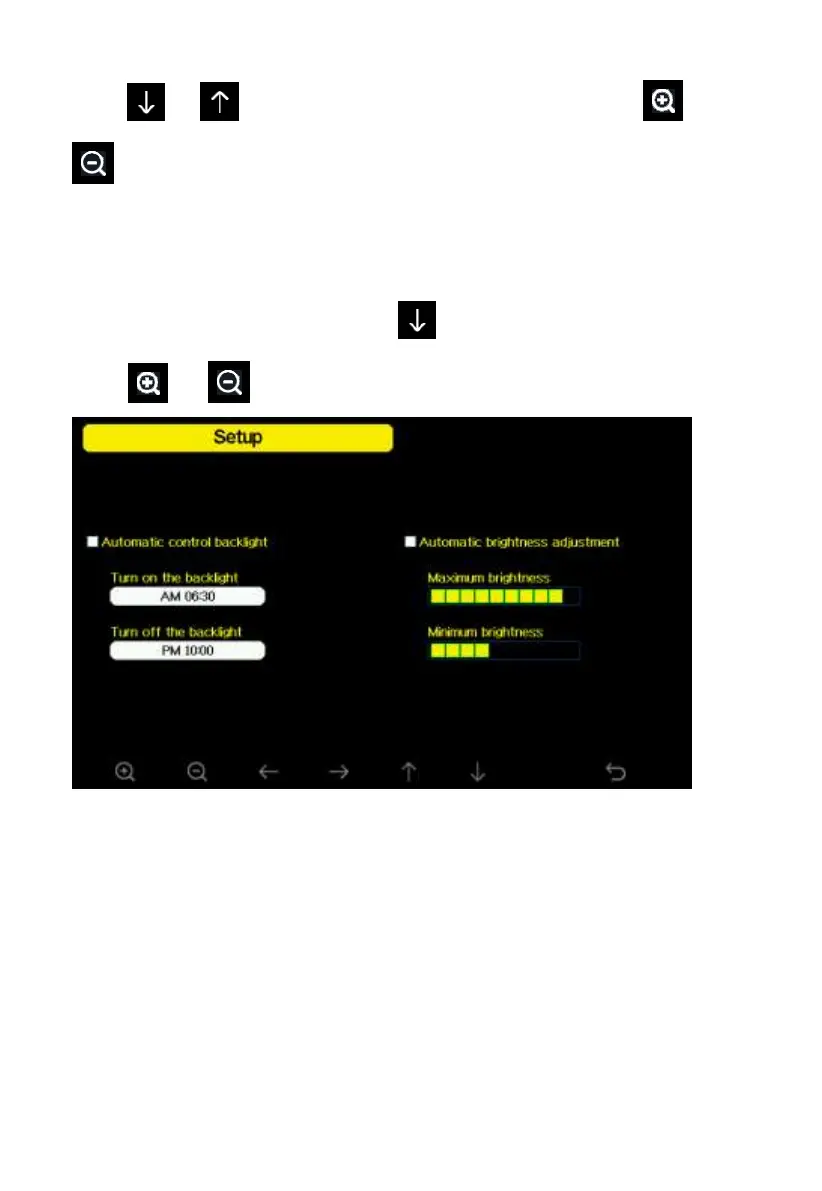
Figure 27: Backlight Setting Screen
Automatic control backlight: select this option, the backlight will auto turn
on and off according the set time
Turn on the backlight: set the time of turning on backlight
Turn off the backlight: set the time of turning off backlight
Automatic brightness adjustment: select this option, the brightness will
change according to the light intensity measured from outdoor sensor
Maximum brightness: set the maximum brightness while it is the highest
light intensity



 To Next Page