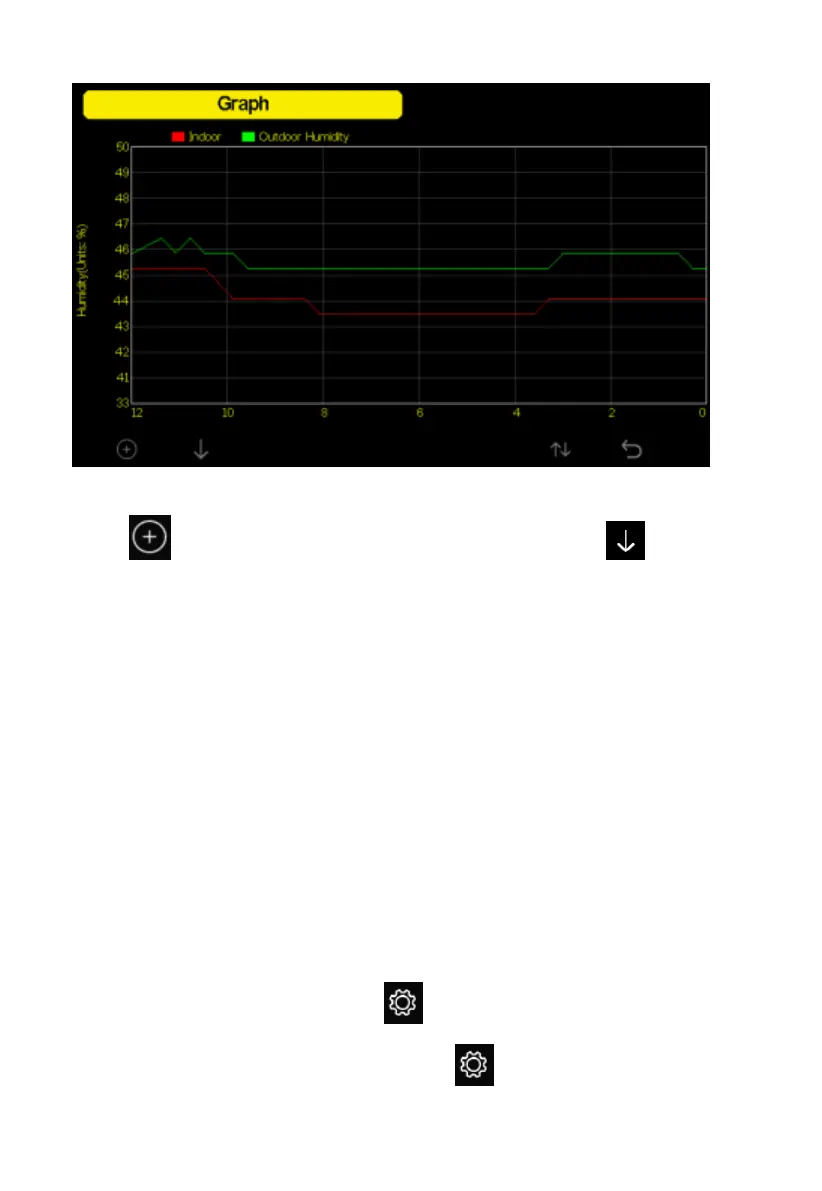
Figure 22: Graph Screen
Press to shift the data display of 12/24/48/72H. Press to view
the graph of the following data:
Indoor outdoor temperature
Dew Point and Feels like
Indoor outdoor humidity
Wind speed and Gust
Wind Direction
UVI
Solar radiation
Rainfall hourly and daily
Barometer (REL & ABS)
5.10 Setting Mode
While in normal display, press the key to enter Setting Mode. You can
select the below sub-mode by pressing the key



 To Next Page