5.7.2 Key functions
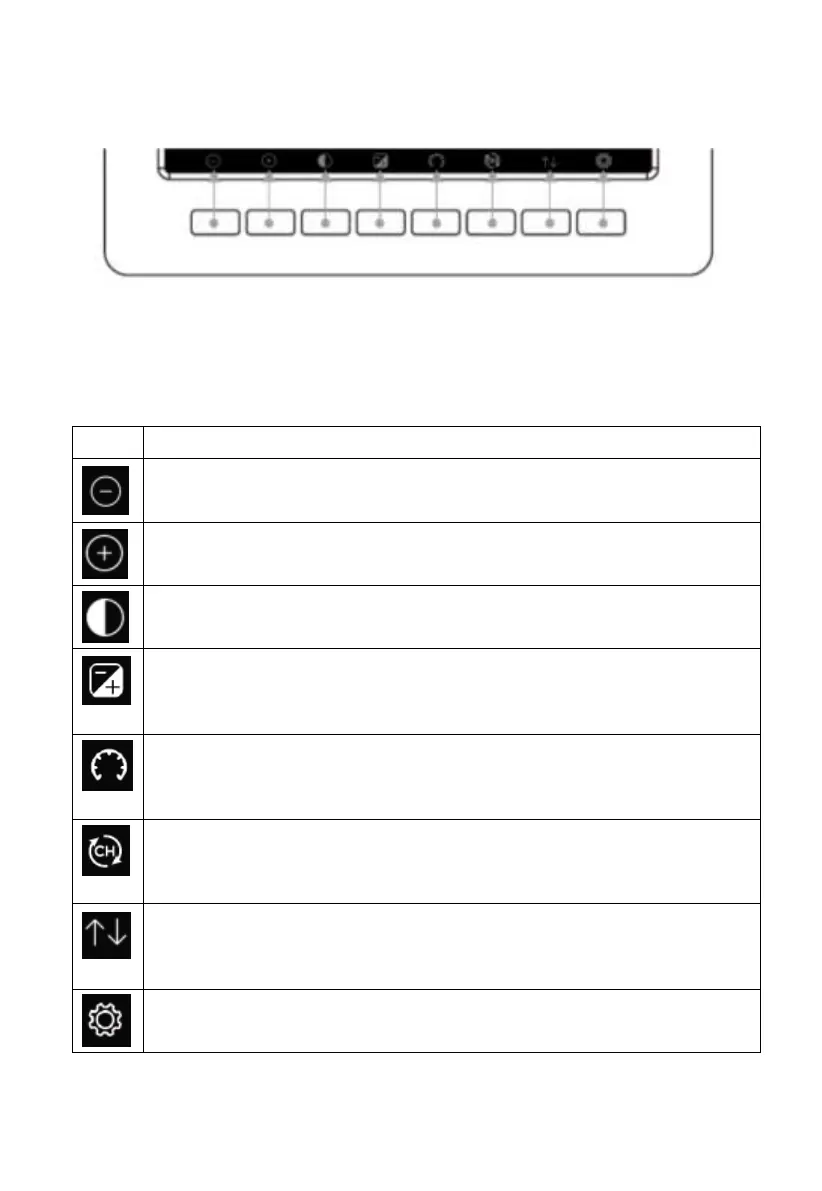
Figure 17: Buttons around the display
There is a set of eight keys on the bottom of the display console. The
following tables briefly explains the function of these keys.
Brightness control key
Press this key to decrease the brightness
Brightness control key
Press this key to enhance the brightness
Backlight on/off key
Press this key to on/off the backlight
Background key
Press this key to choose between dark background display and light
background display
Pressure display key
Press this key to choose the display between Absolute pressure and
Relative pressure.
Channel key
Press this key to Shift the display between indoor temp & humidity,
Multiple Channel temp& humidity and scroll automatically mode
History key
Press this key once to view Max/Min record and twice to enter
History mode.
Setting key
Press this key to enter Setting Mode
Table: Console buttons



 To Next Page