4 Overview
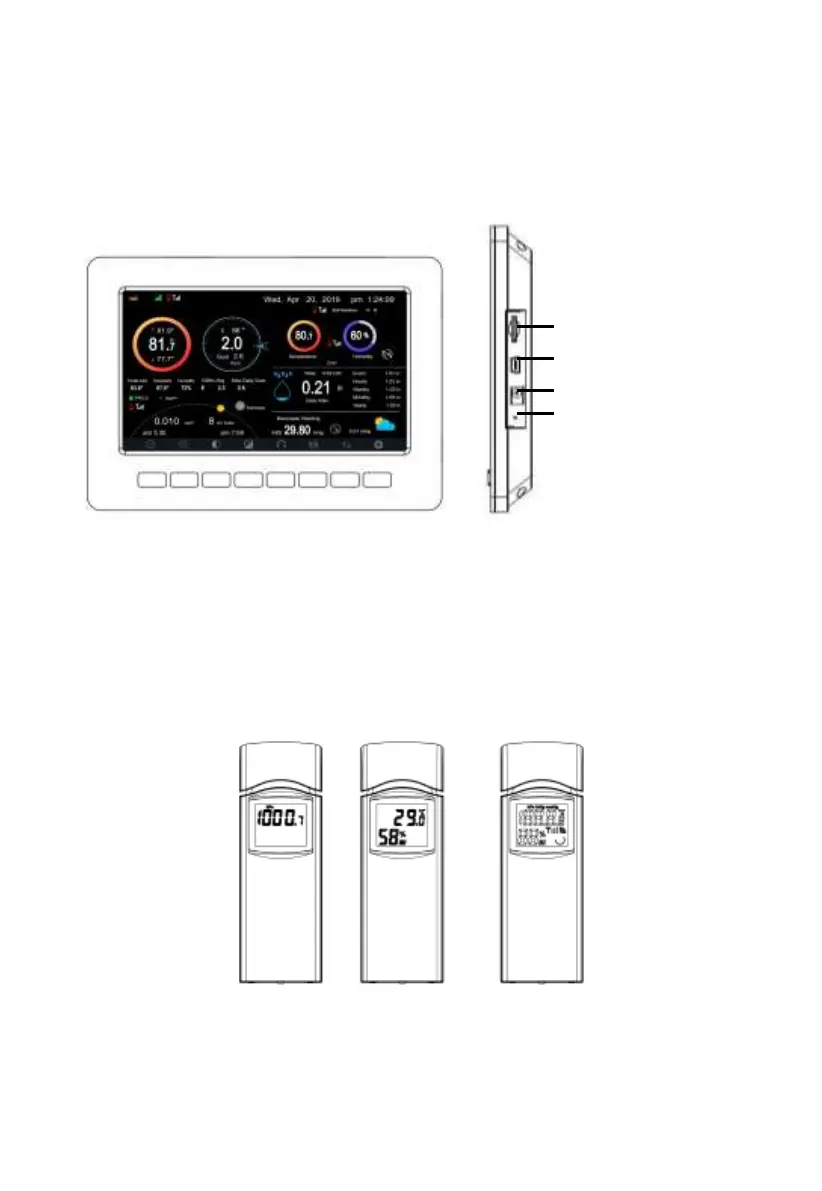
4.1 Display console
Figure 1: Display console
Note: The USB port in the console of weather station is only for firmware
update, not for data communication (USB cable not included).
You can use a SD card for the firmware update.(SD card not included).
4.2 Indoor sensor:
Figure 2: Indoor sensor 2 display variations
The indoor sensor will display indoor temperature, humidity and barometric
pressure alternately.



 To Next Page