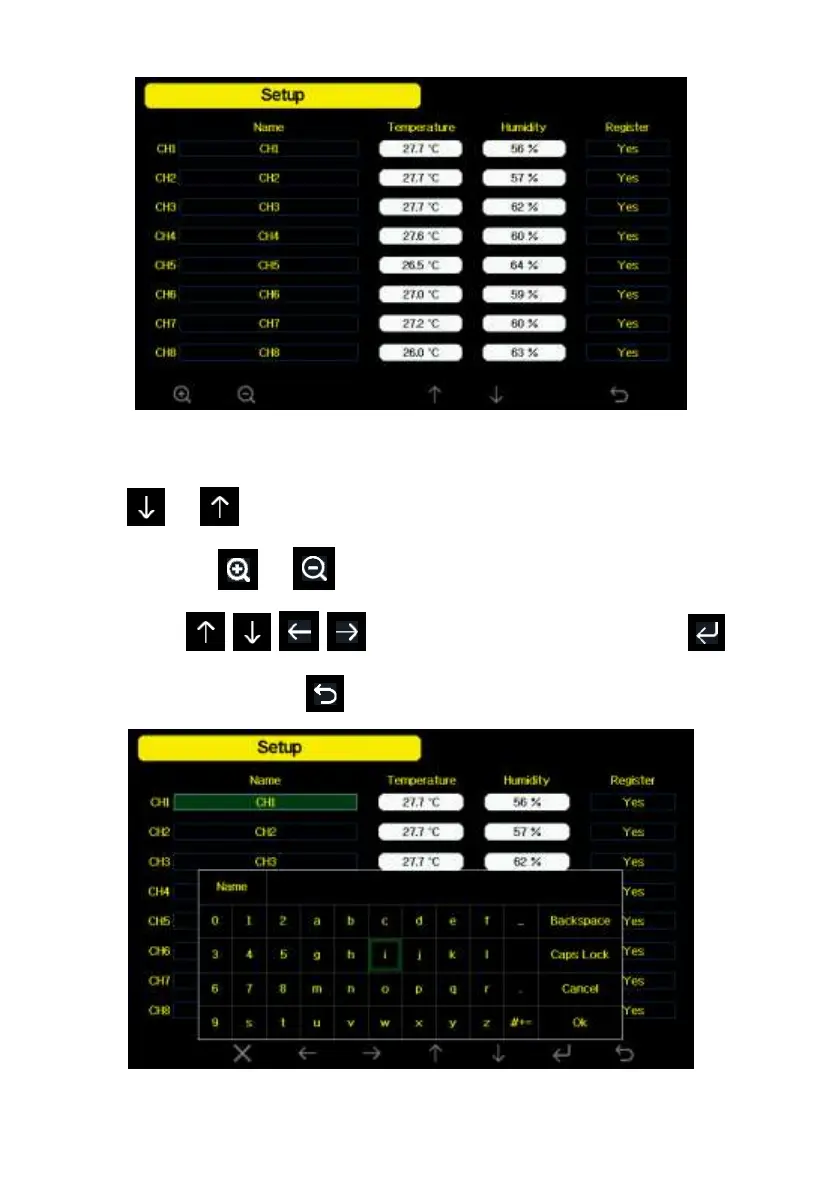
Figure 25: Multi channel sensor Setup Screen
Press or key to select Name setting field, the name on focus turns
green, press the or key to pop up the keyboard to enter the sensor
name. Press to scroll to the character and press to
select the character. Press to return to the setup page.
Figure 26: rename the sensor Screen



 To Next Page