2) Respond to the validation email from Weathercloud (it may take a few
minutes).
3) You will then be prompted to add a device/ Select “Create device” and
enter your station’s information:
4) After registering your station, take note of the “Weathercloud ID” and
“Key” presented to you.
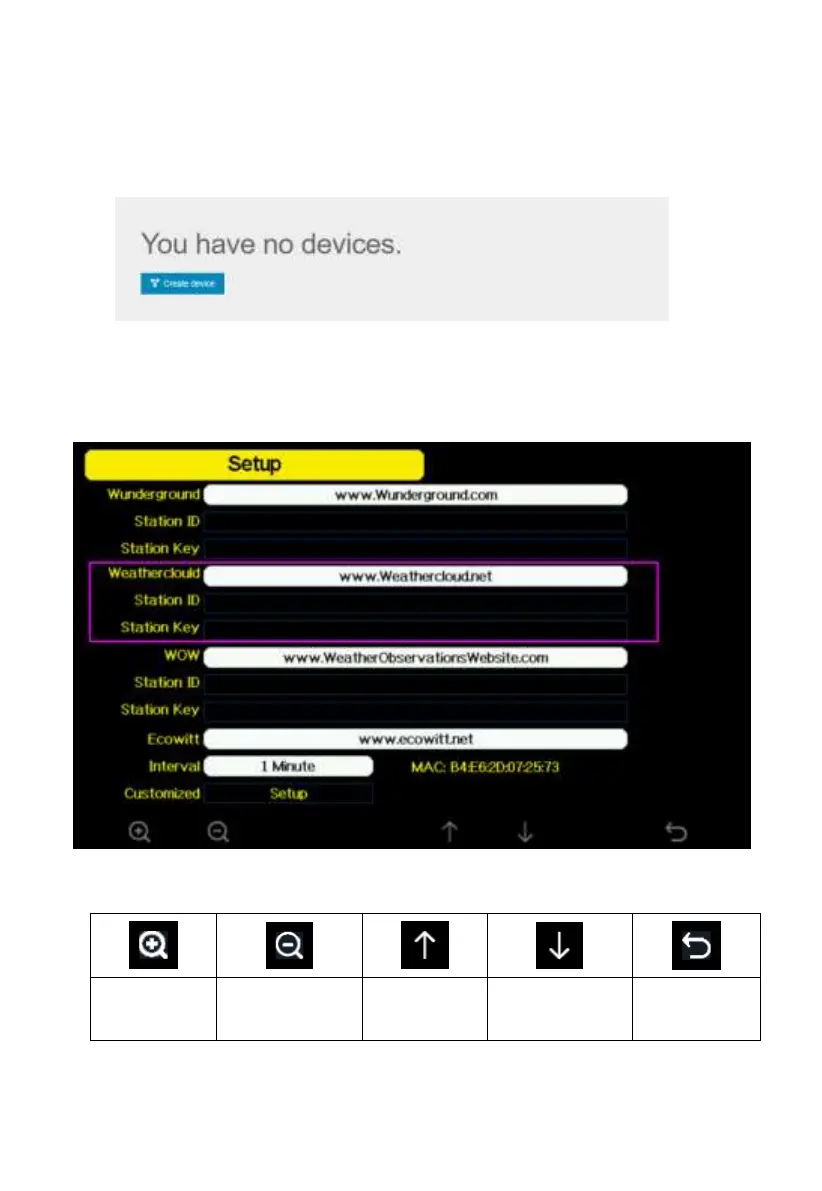
5) Enter these values in the Weather Server:
Figure 31: Weathercloud Server setup screen



 To Next Page