14
Software update
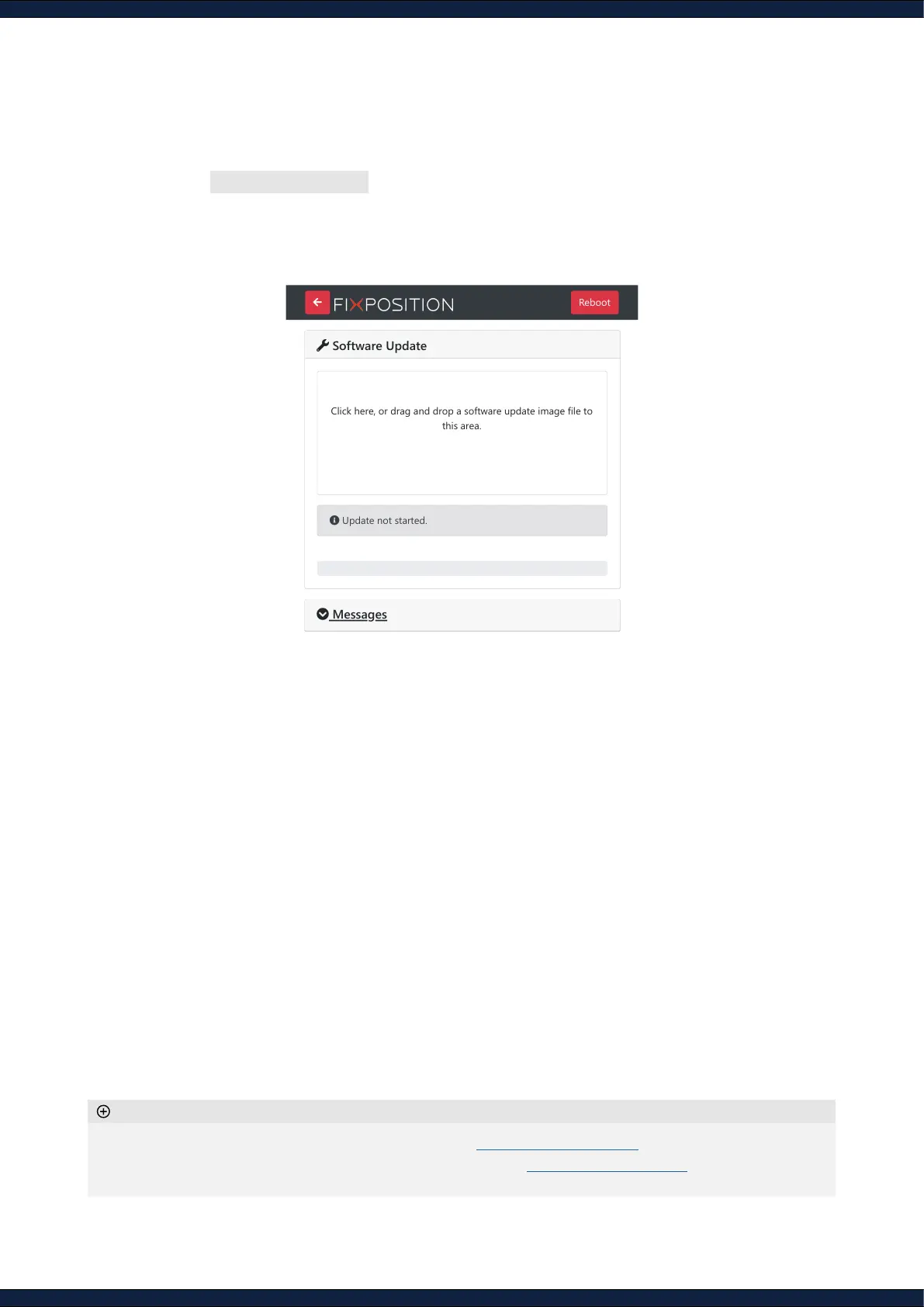
1. Navigate to System ↪ Update
2. Drag/drop the corresponding SWU le inside the marked area.
3. Wait for a few minutes for the update to process. The sensor will automatically restart after the
update is completed
◦ Find the latest available software and release notes at Current Software Version
◦ Firmware updates are released every 6-10 weeks. Please email support@xposition.com
to be added to the
distribution list
Additional information
Software Update
Click here, or drag and drop a software update image file to
this area.
Update not started.
Messages
Reboot



 To Previous Page