2
Setup overview
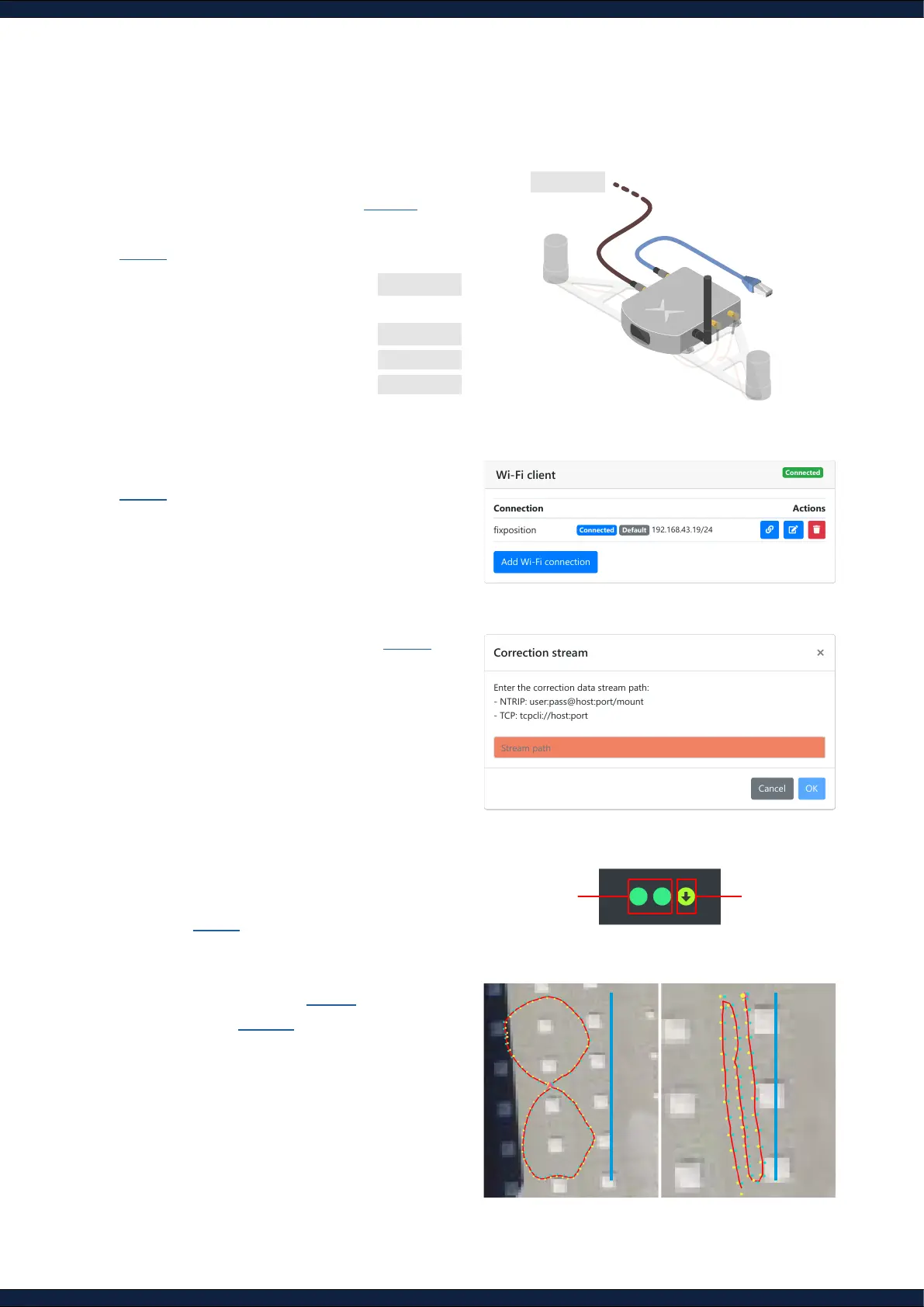
Ethernet 10.0.2.1
Wi-Fi 10.0.1.1
SSID fp-xxxxxx
password 1234567890
1. Power on the Vision-RTK 2 (Step 1) and
connect to the sensor over Ethernet or Wi-Fi
(Step 2)
2. Provide internet access to the Vision-RTK 2
(Step 3)
3. Provide RTK corrections via NTRIP (Step 4)
4. Head into an open area with a clear view of
the sky to achieve an RTK xed on both GNSS
receivers (Step 7)
5. Start the Fusion engine (Step 9) and perform
IMU calibration (Step 10)
10 m 10 m
GNSS Status
RTK Fixed
RTK Float
Single 3D
No Data
NTRIP Status
Stable
No Data
Enter the correction data stream path:
- NTRIP: user:pass@host:port/mount
- TCP: tcpcli://host:port
Connection Actions
fixposition
Connected Default 192.168.43.19/24
Add Wi-Fi connection
5-36V DC



 To Next Page