6
Step 4: Congure GNSS corrections
1. Navigate to Configuration ↪ GNSS
2. Select a source for corrections among:
A. NTRIP client (recommended)
◦ Fill in the required conguration elds (optionally, can also be be lled using a path)
B. I/O port
◦ Send appropriate RTCM3 messages to any I/O port. In this conguration, the built-in
NTRIP client is disabled, and the sensor does not need an Internet connection
C. TCP client
◦ Connect to any TCP/IP host that provides the appropriate RTCM3 messages. In this
conguration, the sensor does not need an Internet connection
◦ The geodetic coordinate system is dened by the correction service provider
◦ Ensure that your selected correction stream has a base-station nearby (ideally closer than 15km) or good
VRS coverage
◦ For more information, refer to
Section 5.5
of the Integration manual
Additional information
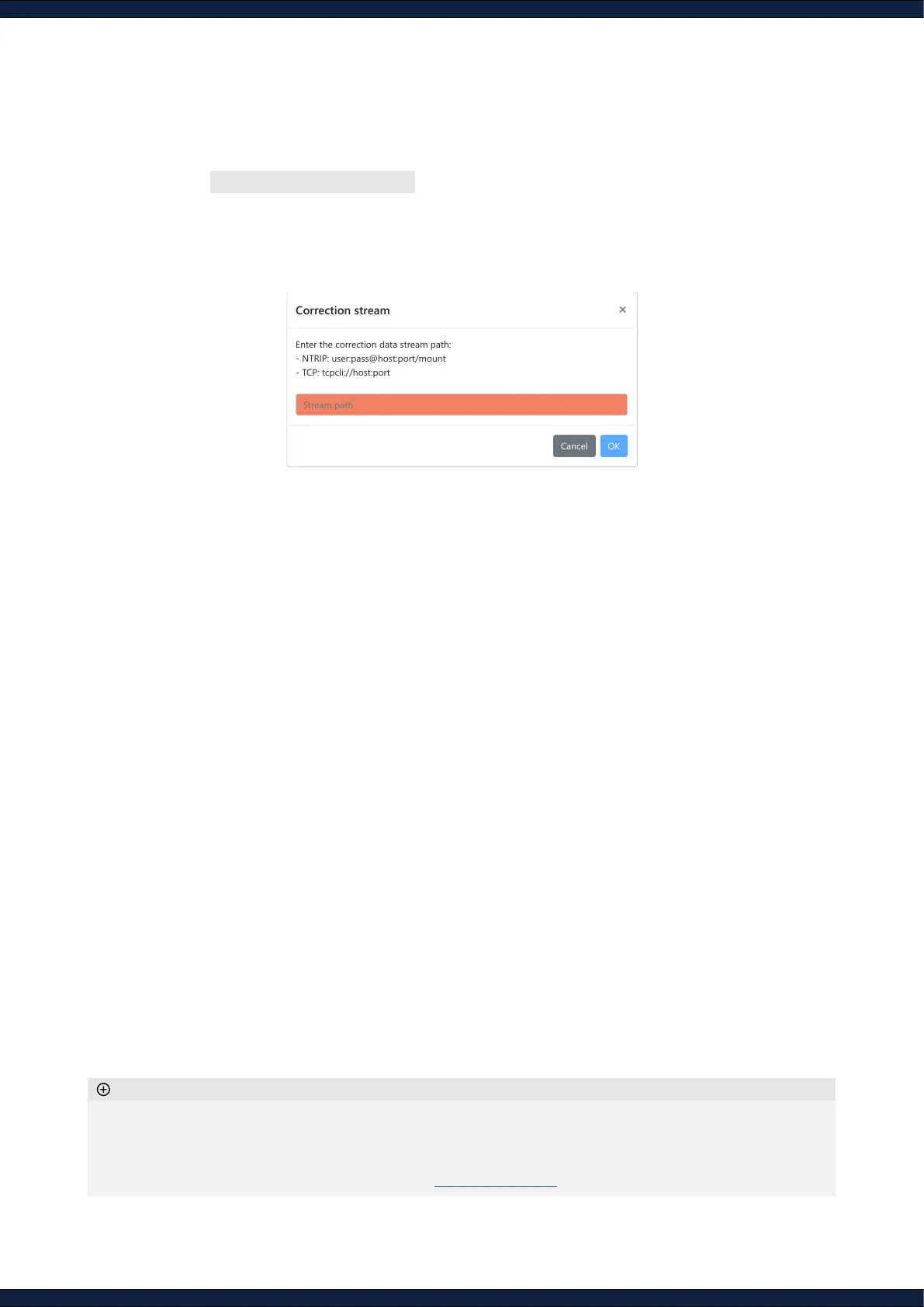
Enter the correction data stream path:
- NTRIP: user:pass@host:port/mount
- TCP: tcpcli://host:port



 To Next Page