3
Step 1: Power on the Vision-RTK 2
A B
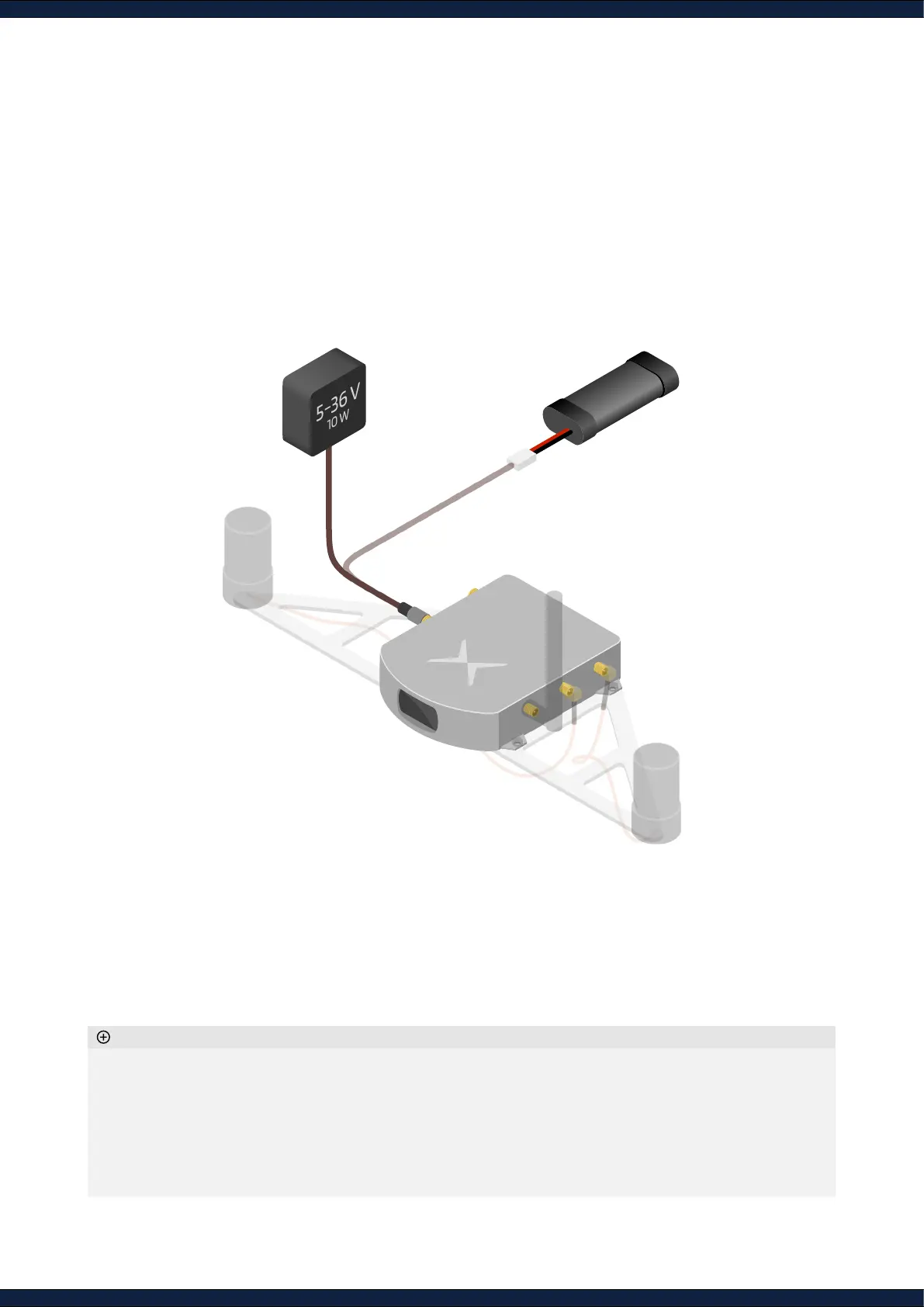
1. To power on the Vision-RTK 2, either:
A. Connect the Vision-RTK 2 to an external power supply
B. Connect the battery provided with the starter kit
2. To power off the Vision-RTK 2, simply disconnect the power supply
◦ Ensure the power cable is securely fastened to the Vision-RTK 2.
◦ The power supply must be able to deliver 10 W at a 5-36 V voltage. The absolute maximum ratings are -14 V to
40 V, and operating conditions are 4.5 V to 36 V.
◦ Do not disconnect the power while recording, as information might be lost. After stopping a recording, wait
at least 15 seconds before powering down.
◦ While it is possible to power the Vision-RTK 2 via the USB-C port, it is not recommended to do so during
operation.
Additional information



 To Next Page