Dreamer NX User Guide | www.flashforge.com
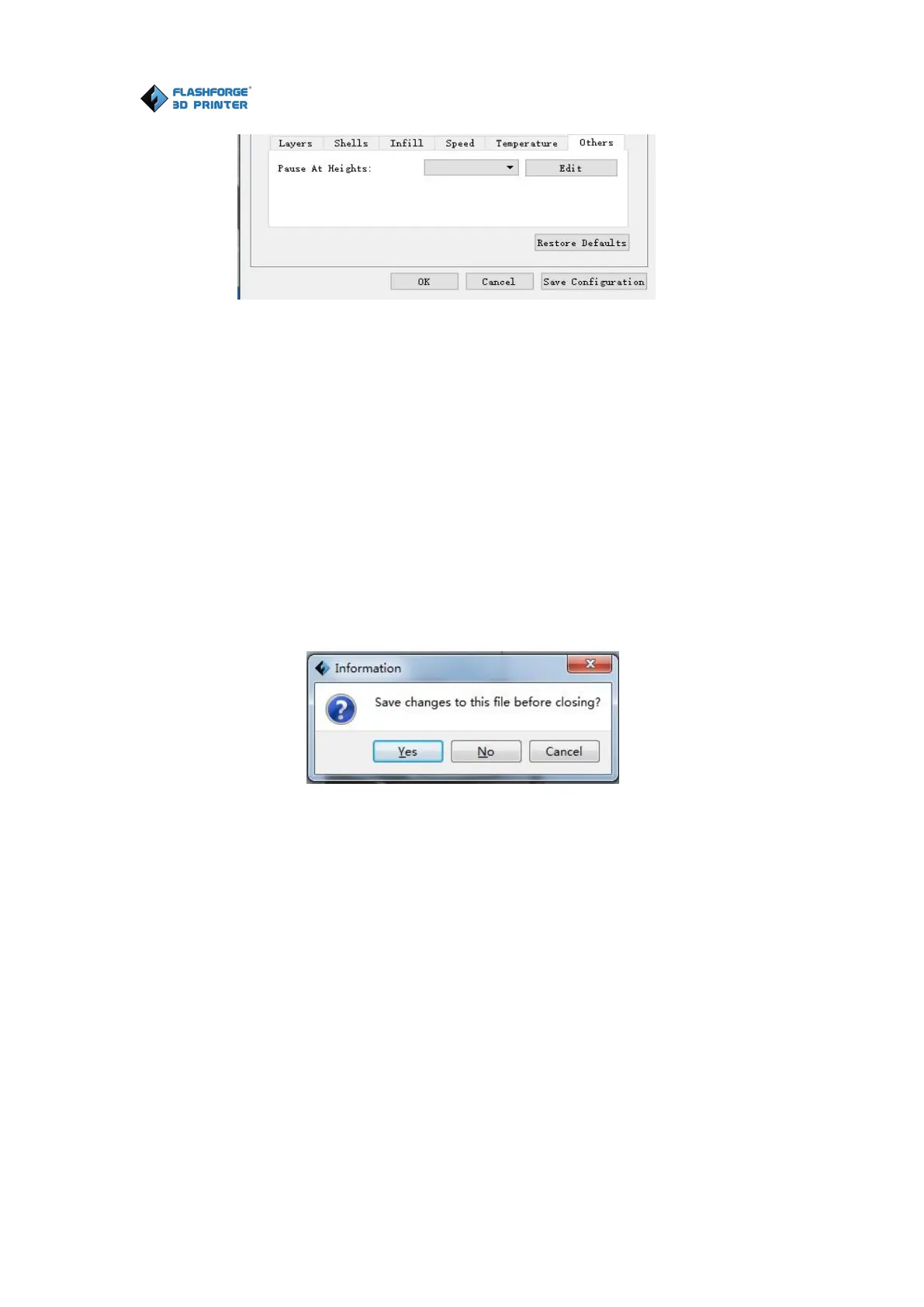
(5-7) Click[Edit], then you can add or remove a height.
① New Project
Click [File]--[New Project] can build a blank project. If there is an unsaved
modification on previous project, then it will inform you whether the
modification needs to be saved or not. Click [Yes] will save the modification;
click [No] will abandon it. If click [Cancel] or close tool tip, then it will cancel the
6-16
② Saving
After finishing the model edit and adjustment, there are two ways below to
save all models in the scene.
Click [File]--[Save Project] in the menu bar to save the file as a project file
with the “.fpp” suffix, all models in the scene (include support) are independent.
After reloading the files, extruder configuration information and model position
will be the same as the configuration during saving.















 To Next Page