Dreamer NX User Guide | www.flashforge.com
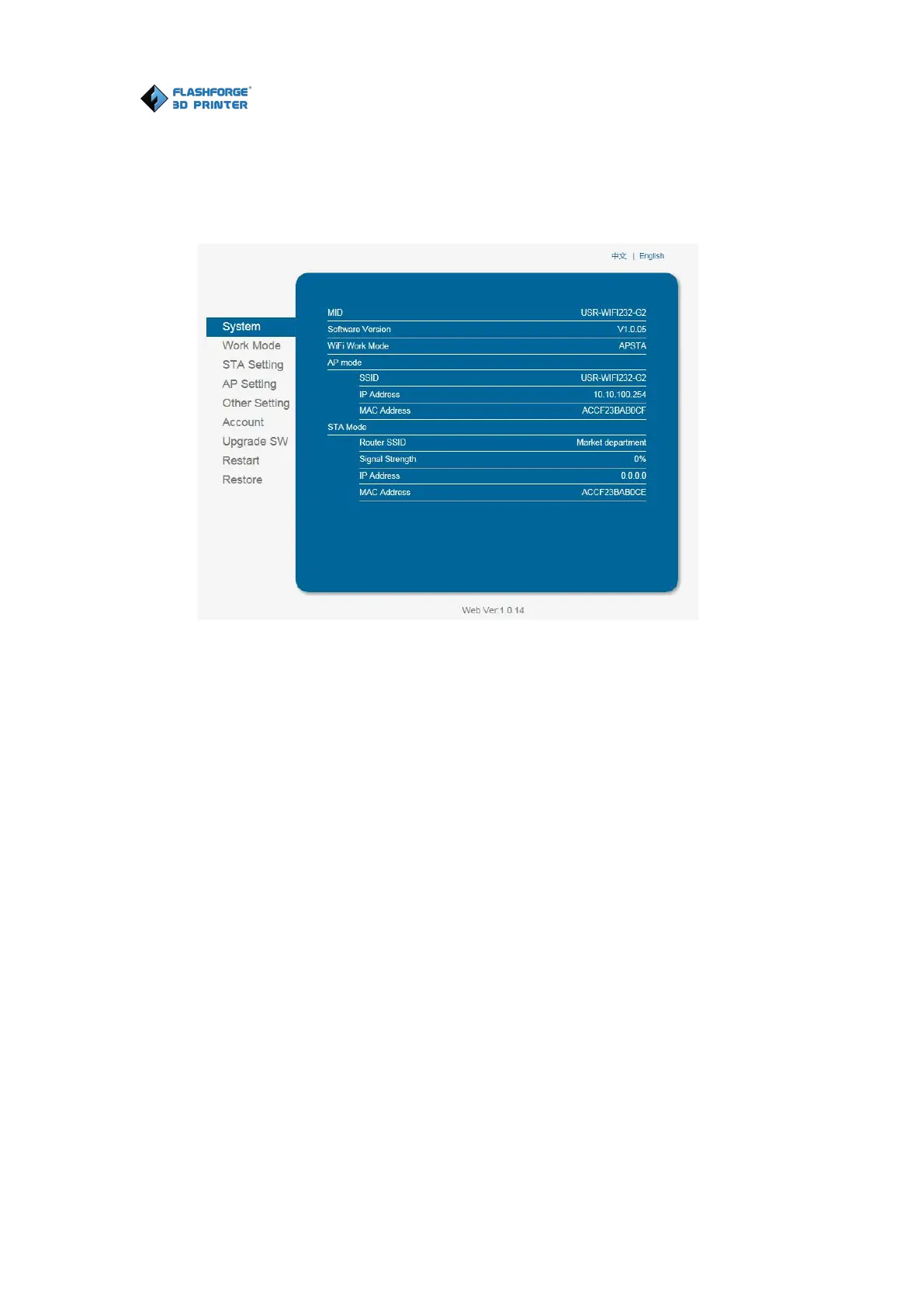
username and password are both “admin”.The control panel will appear after
5. Click on [Work Mode] and choose “AP+STA mode” and save it.
Notice: In STA mode, there may be the risk that DreamerNX
couldn’t be connected via WiFi forever, if STA mode is set in error
6.Click on [STA Setting], select a working network, enter the corresponding
password, save the information and restart to take effect. Your PC connect the
network, which was registed.















 To Next Page