16
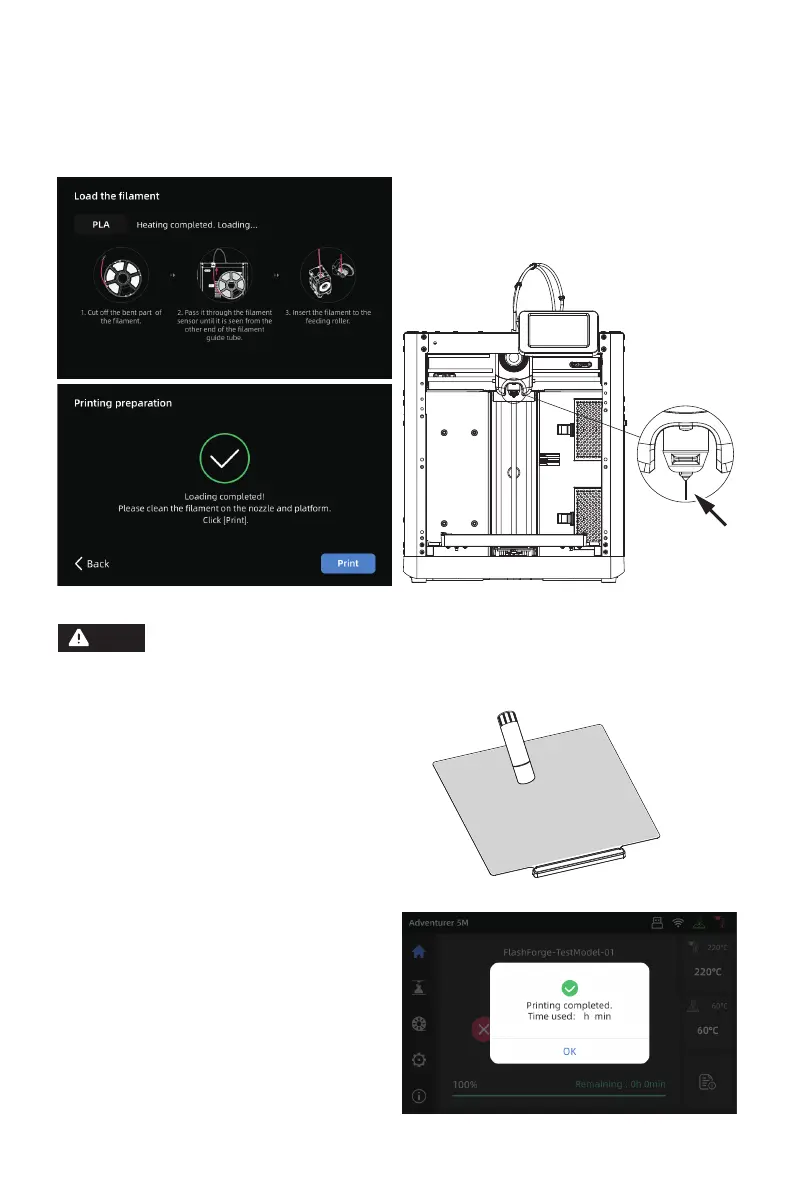
If no filament is extruded, manually insert the filament into the inlet and click [Back] to retry.
Feel for filament movement until it is extruded.
6. Click [Print] and the machine starts
printing the built-in file (configured
for PLA material).
5. Please clear the filament residues on the
nozzle and platform. Users must apply
glue to the platform so as to improve
adhesion for the first print.
Note
C3. Feeding will begin after heating. Successful filament extrusion from the nozzle indicates
successful loading. Lastly, confirm the filament guide tube is properly inserted.
X X















 To Next Page