4.3 Printing Methods
4.3.1 Printing via USB
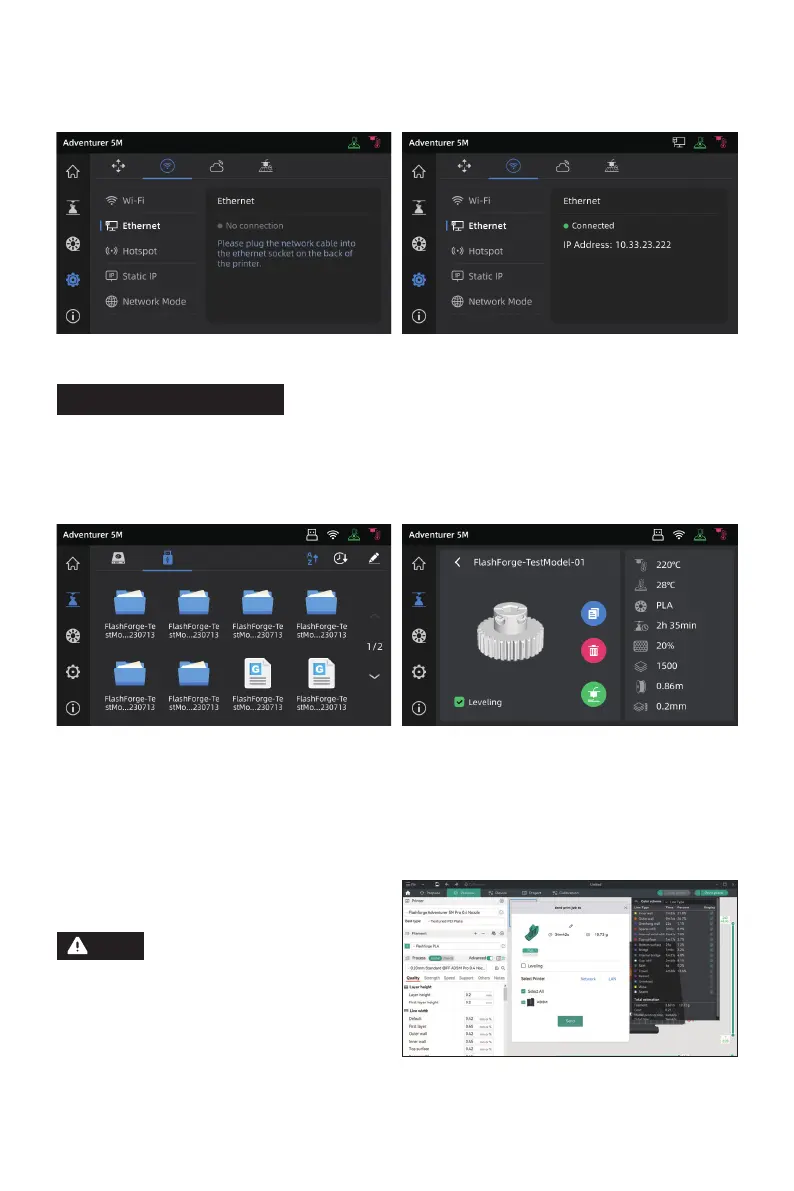
The printer supports printing via USB. Save the sliced file to a USB flash drive, insert it into the
printer, and select the corresponding file to start printing.
4.3.2 Printing via Wi-Fi transfer
After successfully connecting the printer to the network, open Orca-Flashforge. After finishing
slicing, click [Print plate] in the menu, and select the connected Adventurer 5M to send the print job.
Note
25
The printer and the computer must be
connected to the same network. There
are two modes for printer connection:
WAN Mode and LAN Only Mode.
3DBenchy















 To Next Page