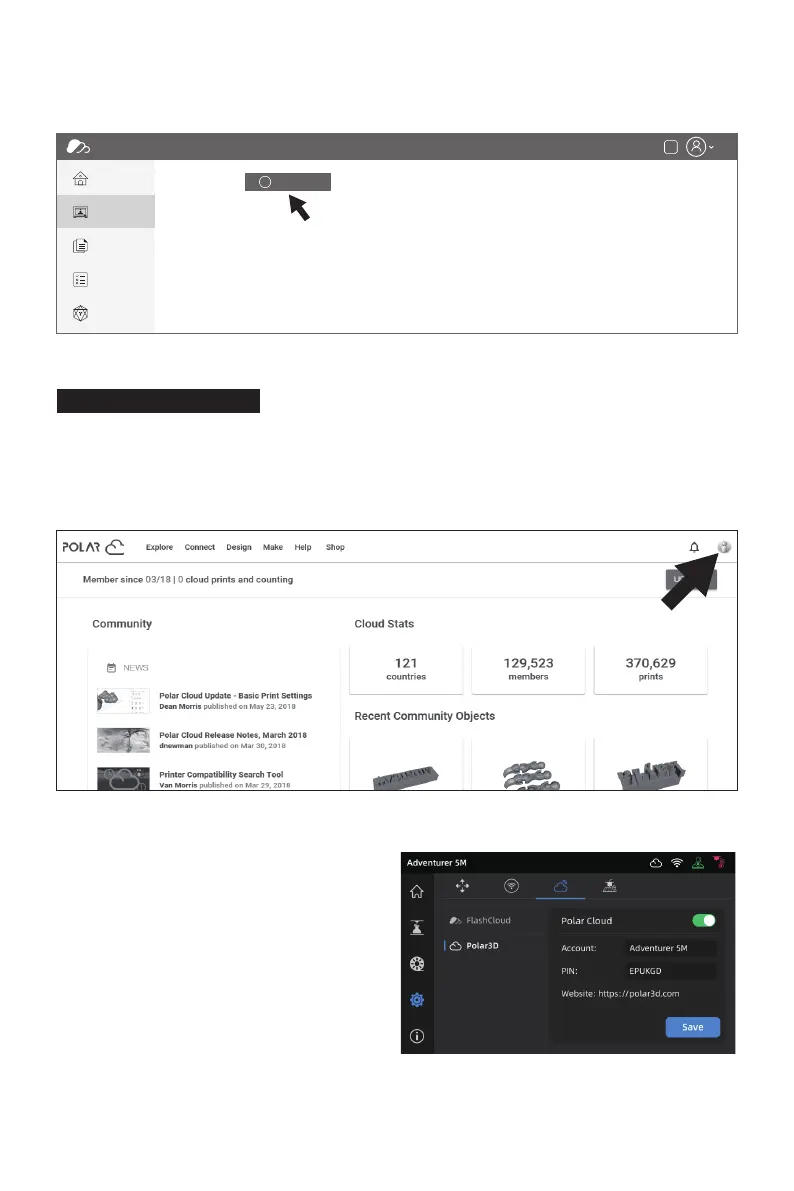
Open the Polar Cloud website and register an account.
Polar Cloud: https://polar3d.com
Note: Polar Cloud service may not be available outside the United States.
After logging in, click the icon at the top right corner, click [Settings], and click [PIN Code] in the
menu to find the PIN code.
Printing via Polar Cloud
FlashCloud
Home
My Printer
My Model
My Job
Model Library
My Printer The current printer is empty, please add a printer
Name Registration Code Type
Cn
+ Add Printer
After connecting the Adventurer 5M to the
network, simply turn on the Polar Cloud
switch and enter your account and PIN code.
27















 To Next Page