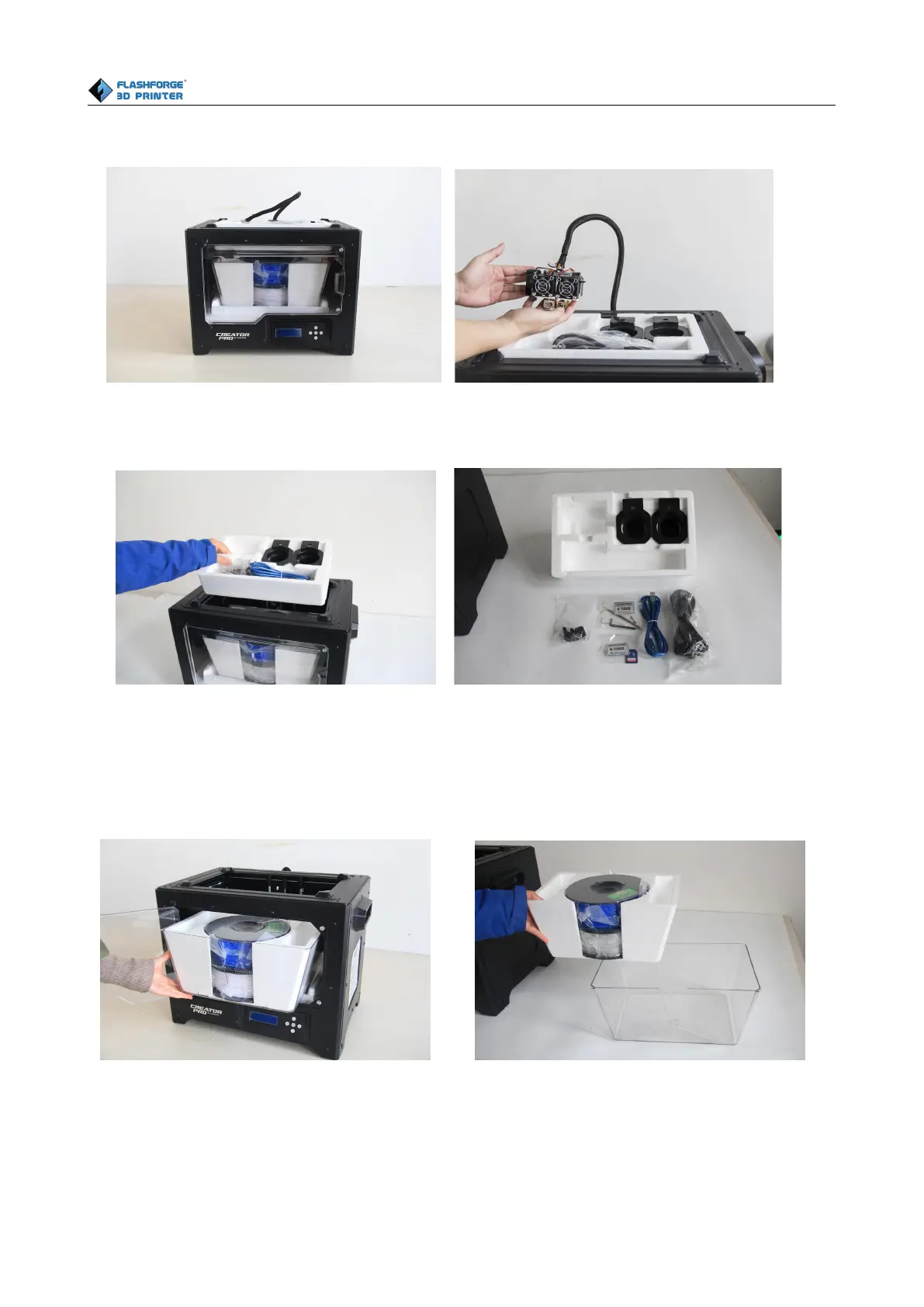
Take the accessory foam container out, within which are lying a power cable, a USB cable, two
spool holders, a bag of tools, a SD card, a bag of extruder accessories and turbofan baffle.
Slide the X-axis rods to the very back. Take the transparent lid together with two rolls of filament
out from the printer. Take the two rolls of filament(PLA filament * 1, ABS filament * 1) out from
the enclosed lid.
Elevate the build plate to its limit. Take the side protective foam sheets from the printer. Take the
bottom protective foam from the printer.















 To Next Page