Chapter 6: Basic Printing
This chapter will provide a step-by-step guide on turning a 3D model into a physical reality. Before
proceeding, it is recommended that you go over prior chapters on loading/unloading filament,
leveling the build platform, and the functions and capabilities of FlashPrint.
6.1 Generate a Gcode
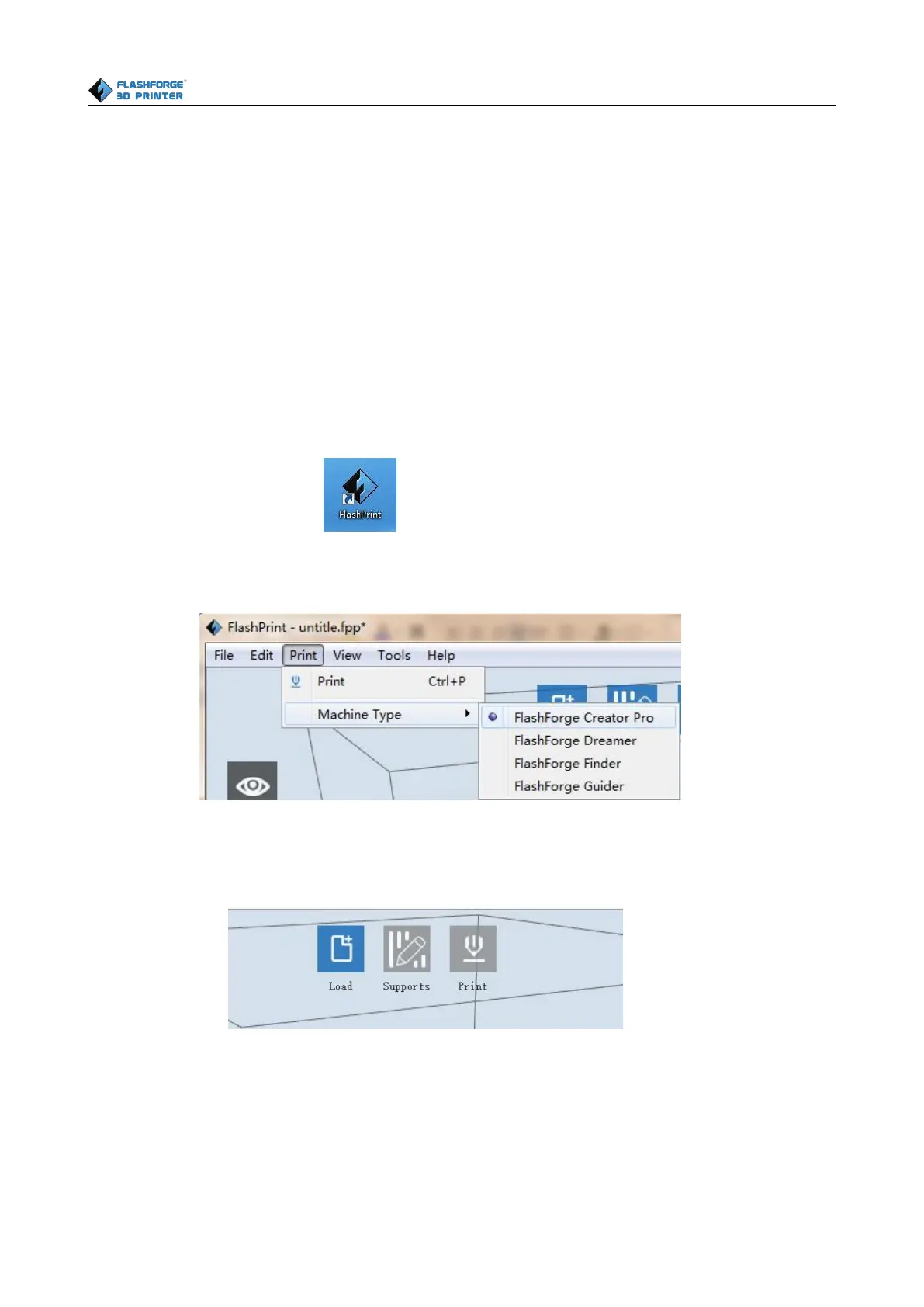
(6-1)Double-click the icon of Flashprint to start the software.
(6-2)Click[Print]--[Machine Type] to select Flashforge Creator Pro
(6-3)Click the [Load] icon to load a .stl model file and the object will display on the build area.
(6-4)Click [Edit]--[Surface to Platform] to make your model perfectly positioned on the build
area. Click [Back] and double-click the Move icon again, then click [On the Platform] and
[Center] to ensure the model be on the platform.















 To Next Page