Preview: If you check the [Preview] box, you can preview your model after slicing is done.
Machine Type: Flashforge Creator Pro
Supports: If you print a model with supports, you should click the inverted triangle and select
Raft: You are suggested to select [Enable].
Resolution: You are suggested to select [Standard]
More Options: You are suggested to keep them default.
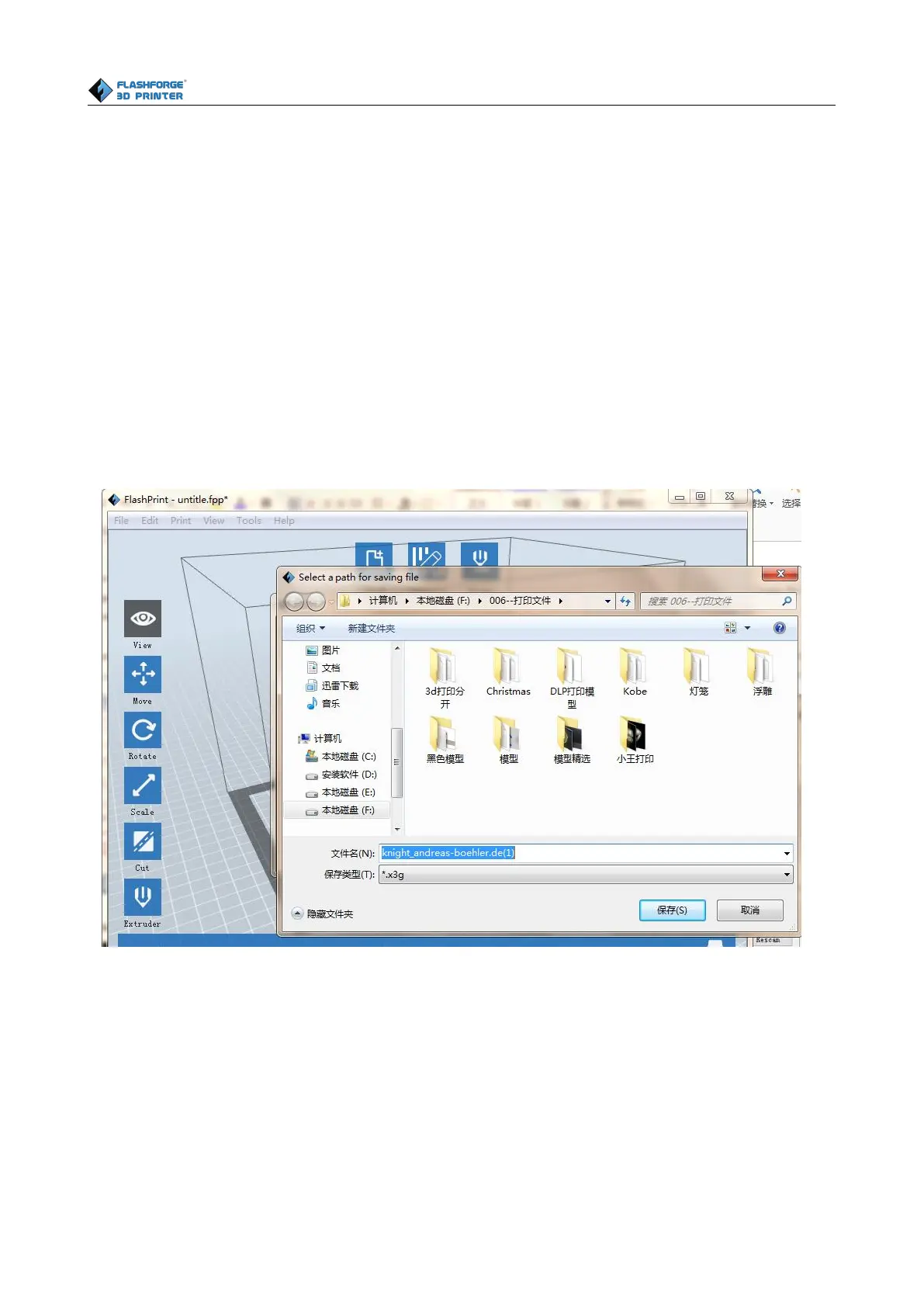
Click [OK] to select the path to save the Gcode file. You can rename the file as you like and save it
as a x3.g file, click [Save] to generate a Gcode file.
Next, we are going to print the model.
Before printing, users should
(1) properly install the dual extruder.
(2) properly install the filament guide tube















 To Next Page