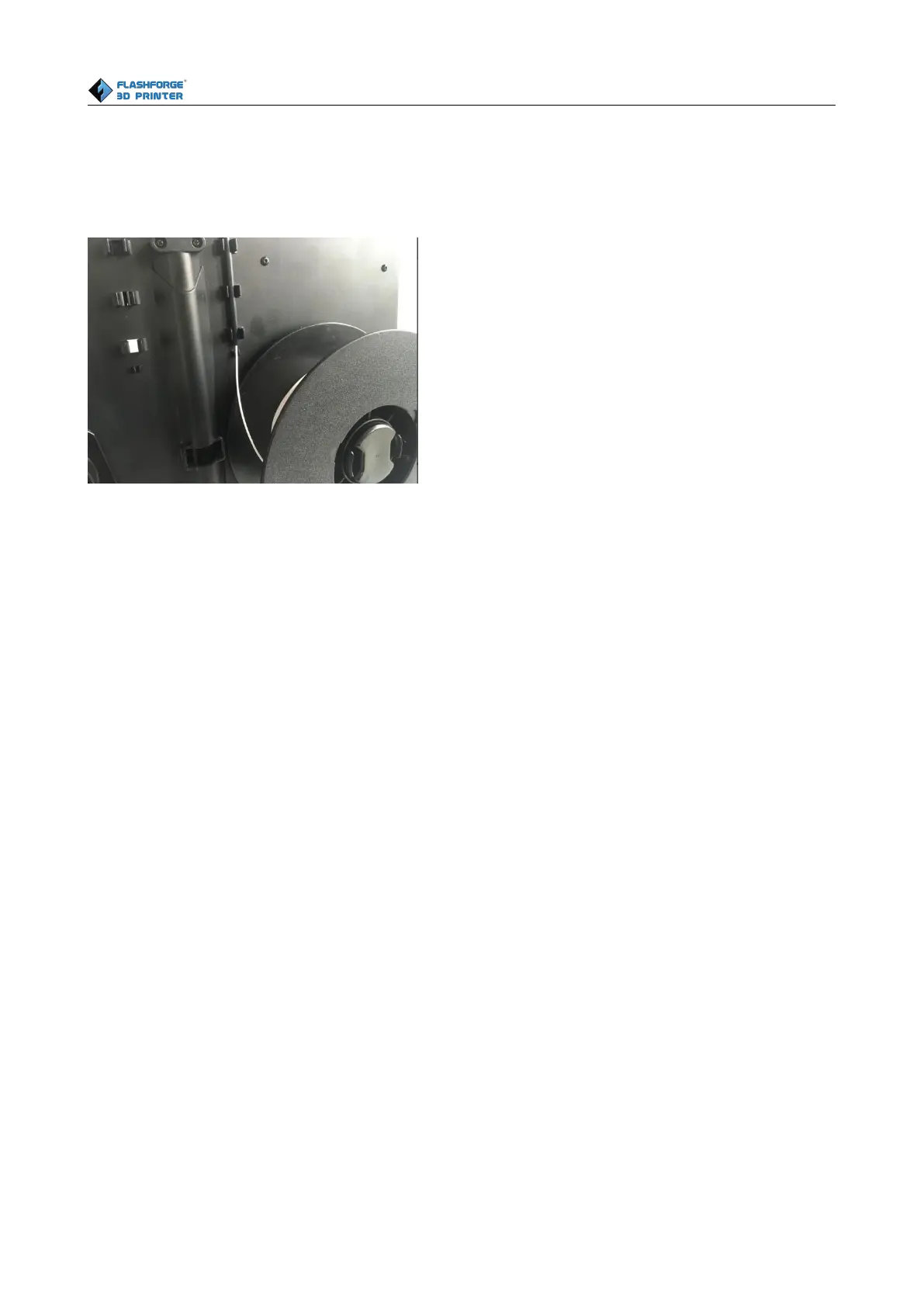
Note: The left extruder is suggested to print with PLA while the right extruder is suggested to print
with ABS. Because the left extruder locates beside the turbofan baffle, which is more beneficial for
cooling down the PLA models.
Feeding the Filament Using the LCD Screen
1. Turn on the Creator Pro; the display will indicate:
▶ Print from SD
Preheat
Utilities
2. Using the directional arrows to the right of the screen, press the page down key to scroll to
the next page. The display will show:
Monitor Mode
Filament loading
Preheat Setting
General Settings
3. Select Utilities; press the OK key of the keypad. The display will show:
Monitor Mode
▶ Filament loading
Preheat Setting
4. Select Filament loading; press the OK key of the keypad. The display will show:
▶ Load Right















 To Next Page