————————————————————————————————————————————
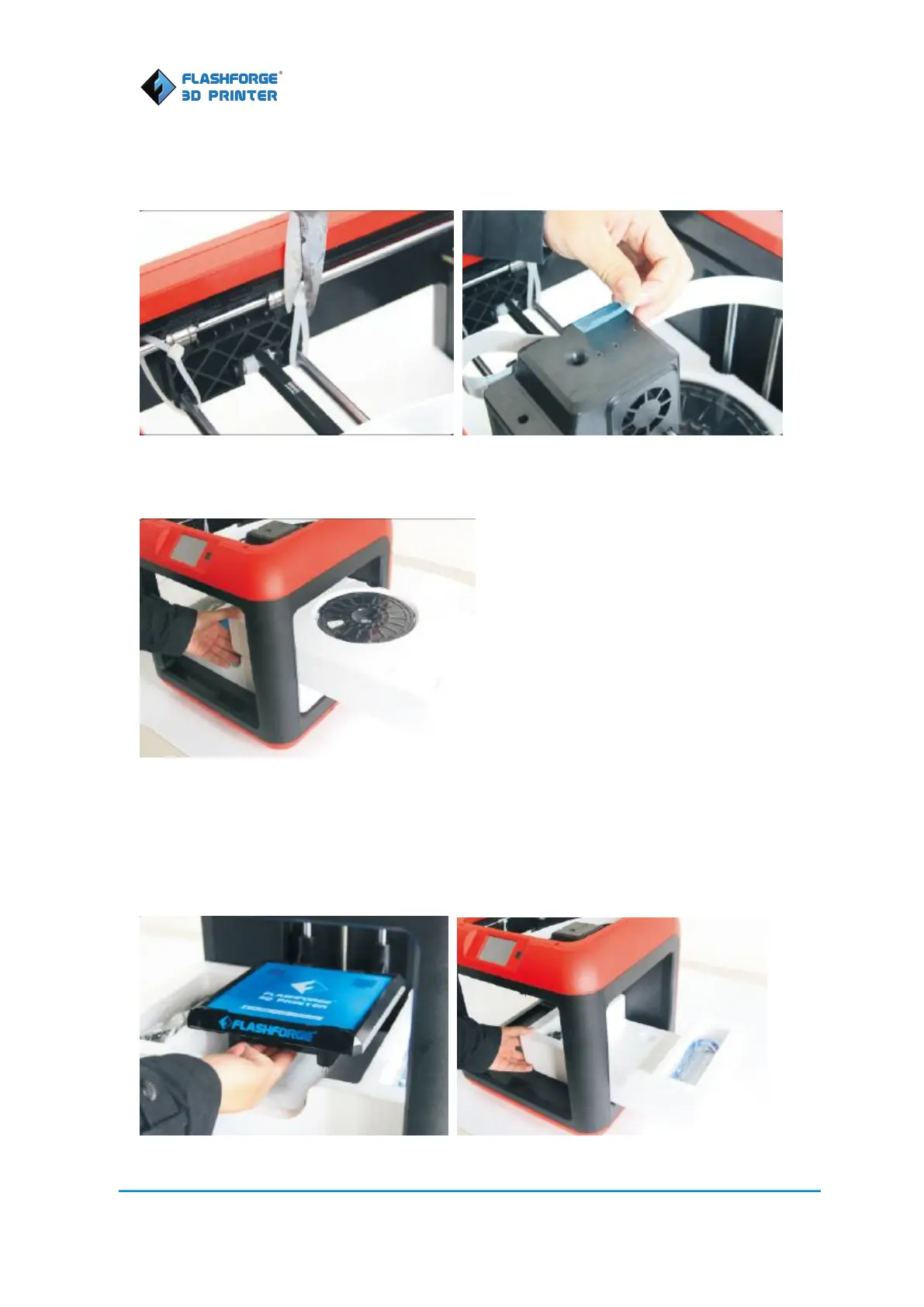
with buckles. Use scissors to cut them off to release the X guide rods. Discard the blue tape that
holds the flat cable in place.
5. Taking the protective foam for filament out of the Finder, you will see a spool of PLA filament
inside. Filament color is randomly selected.
6. Then you will see the build plate. The build plate pasted with a blue build plate tape is ready
for direct use. In the grooves at both sides, you will see a filament guide tube, a power cable and
a USB cable. Move the build plate up. Remove the protective foam and take the power cable and
USB cable out.
You have now unpacked your Finder successfully.















 To Next Page