————————————————————————————————————————————
Printing over USB
USB connection
Connect your Finder with your PC or laptop via USB cable.
Turn on your Finder and start FlashPrint.
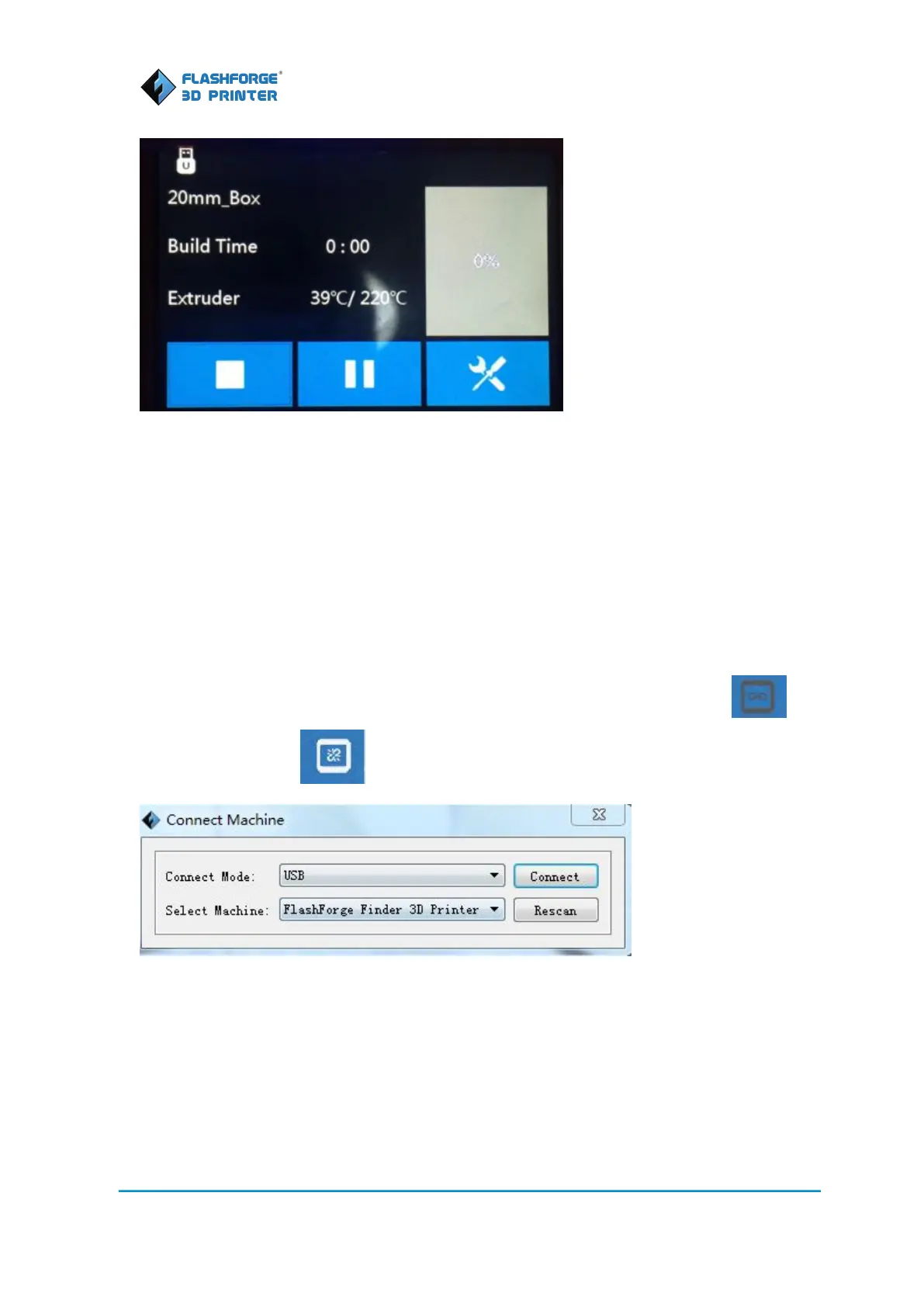
Click [Print]--[Connect Machine], then select USB in the [Connection Mode] option and select
“FlashForge Finder” in [Select Machine] option. Finally click [Connect] button to connect to the
printer. Note: The machine icon on the bottom right displays the connection status.
means Connected and means Disconnected
Create a Gcode
The steps of how to generate a Gcode file:
1. Double-click the icon of FlashPrint to start the software.
2. Click [Print]--[Machine Type] to select FlashForge Finder















 To Next Page