————————————————————————————————————————————
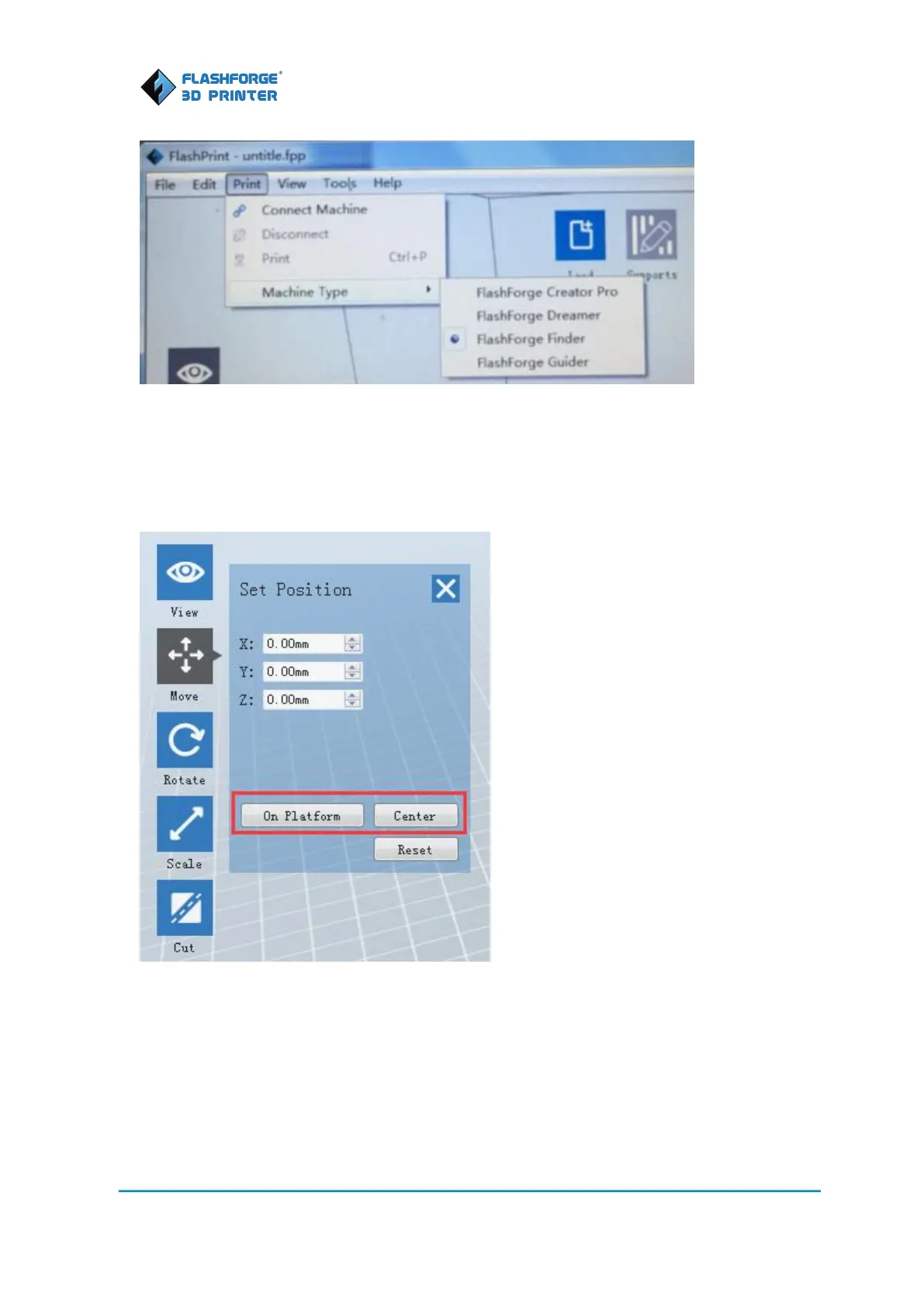
3. Click the Load icon to load a .stl model file and the object will display on the build area.
4. Click on the object to select it, double-click the Move icon on the left and the click [On the
Platform] and [Center]
5. Click the Supports icon on the top, and click [Auto Supports], your FlashPrint will automatically
generate supports for the object if requires. Green treelike parts in below picture are the
supports.















 To Next Page