11
Modeling Lamp
TTL Mode
Power Management
Flash Modes
A short press the modeling lamp button
(g E/20) will turn the 20W LED modeling
lamp on or o. An icon appears on the LCD
panel to conrm the status.
The LED Modeling light is only featured on the
Fresnel speedlite style ash head. The model-
ing lamp will automatic turn o after 1 hour.
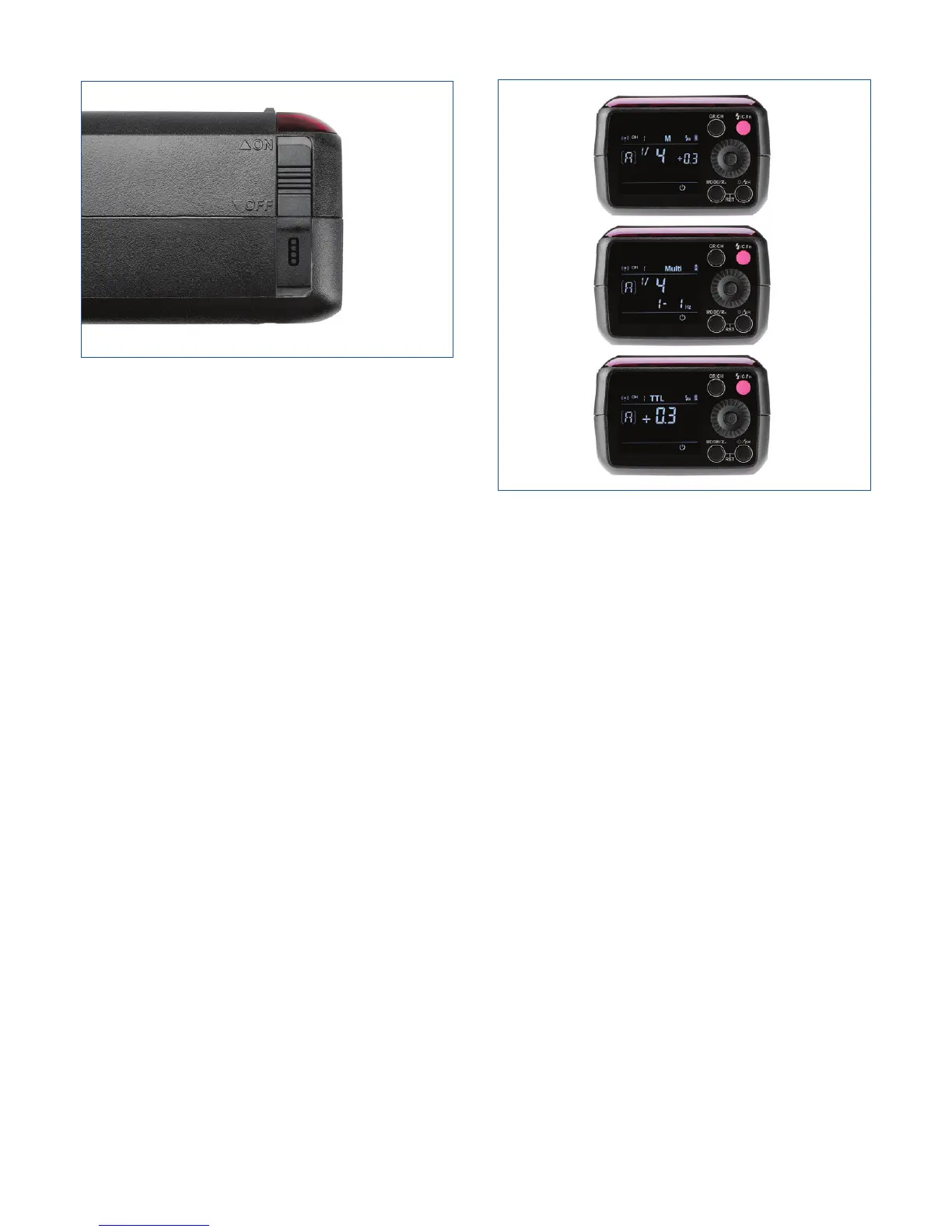
The ON/OFF Power Switch (g L) controls the
state of the ash unit. Turn o the power pack
if the ash unit will not be used for an extend-
ed period. The automatic hibernation feature
puts the power supply to sleep when there is
no operation for 30 minutes. You can alter the
designated time in Custom Function (C.Fn-F3)
3 to 30, 60, or 90 minutes, before the ash
will automatically hibernate. You can chose to
disable the sleep mode entirely to facilitate use
remotely o camera.
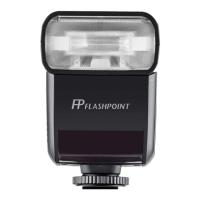
This ash has three ash modes: TTL (Auto),
Manual (M), and Multi (Stroboscopic). Press the
<MODE> Mode Selection Button and three
ash modes will display on the LCD panel one
by one in sequence each time the button is
pressed.
Press <MODE > Selection Button to enter
TTL mode. The LCD panel will display “TTL”. In
TTL mode, the camera and the ash will work
together “through-the-lens” to calculate the
correct exposure for the subject and the back-
ground. In this mode, multiple TTL functions
are available: FEC, HSS, second curtain sync,
modeling ash, which can be controlled with
the camera’s menu screen.
The TTL connection is accomplished with R2
Wireless Radio technology and the eVOLV200
will sense the Canon, Nikon or Sony camera
automatically upon receiving a transmission
from any R2 Family transmitter or ash. It will
even switch automatically between several
dierent camera manufacturers, which are on
the same channel/group, on demand.
Figure L



 To Next Page