1 2
Before You Start
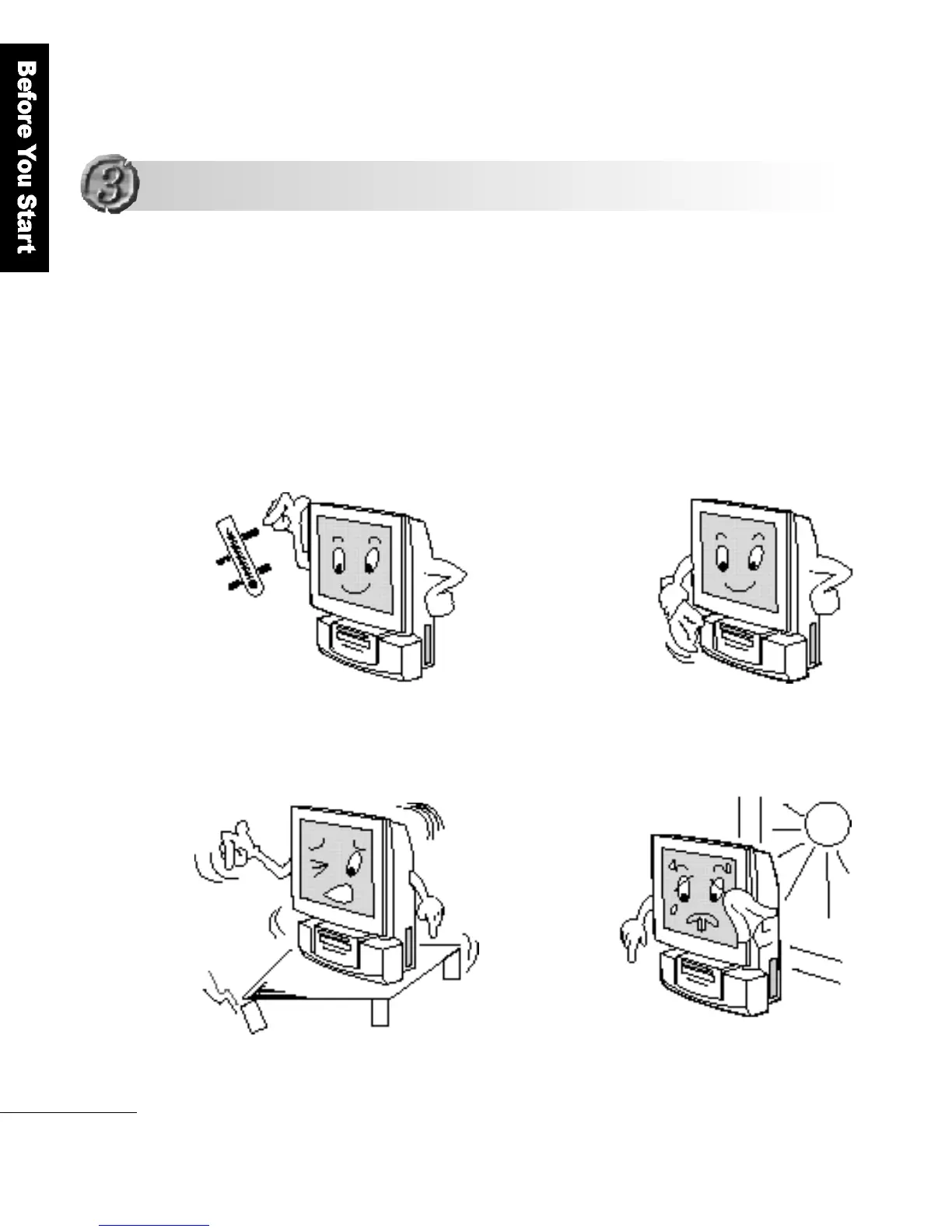
A good installation environment gives the product a longer life.
Please sit the product on a stable and secure surf a c e .
I n s t a l l a tion Env i ro n m e n t
Notes on Installation and Operation
Notes on Installation and Operation
Maintain an
optimum
temperature and humidity;
5 - 2 5℃and 30%
Clean the LCD
panel with a soft
materials(such as
cotton cloth)
Sit the product on
a stable and
secure surface
Install the
product in a
w e l l - v e n t i l a t e d
room, not
exposed to
direct sunlight.



 To Next Page