Getting Started
4 9
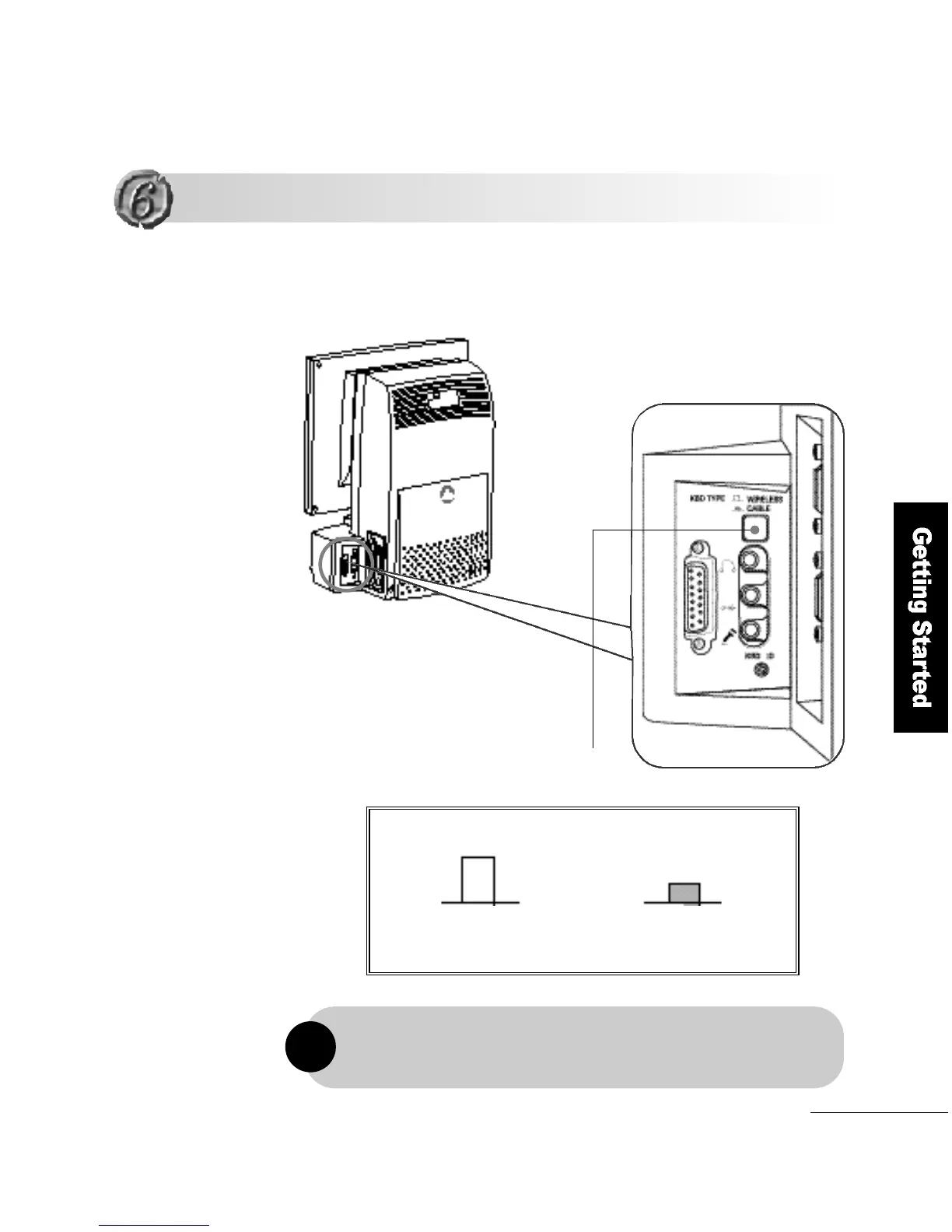
To connect a wired keyboard and a mouse, turn off the computer and set the
selection switch for wire d / w i r eless keyboard and mouse to Wi r ed Use.
FLATOP provides for a wired PS/2 keyboard and mouse by default,
but you can choose to use a wireless keyboard and mouse if preferred.
!
Using a Wired Keyboard and a Mouse
Using a Wired Keyboard and a Mouse
Wireless Use
Wired Use
Selection switch for wired/wireless of
keyboard and mouse



 To Next Page