I n t r o d u c t i o n
1 7
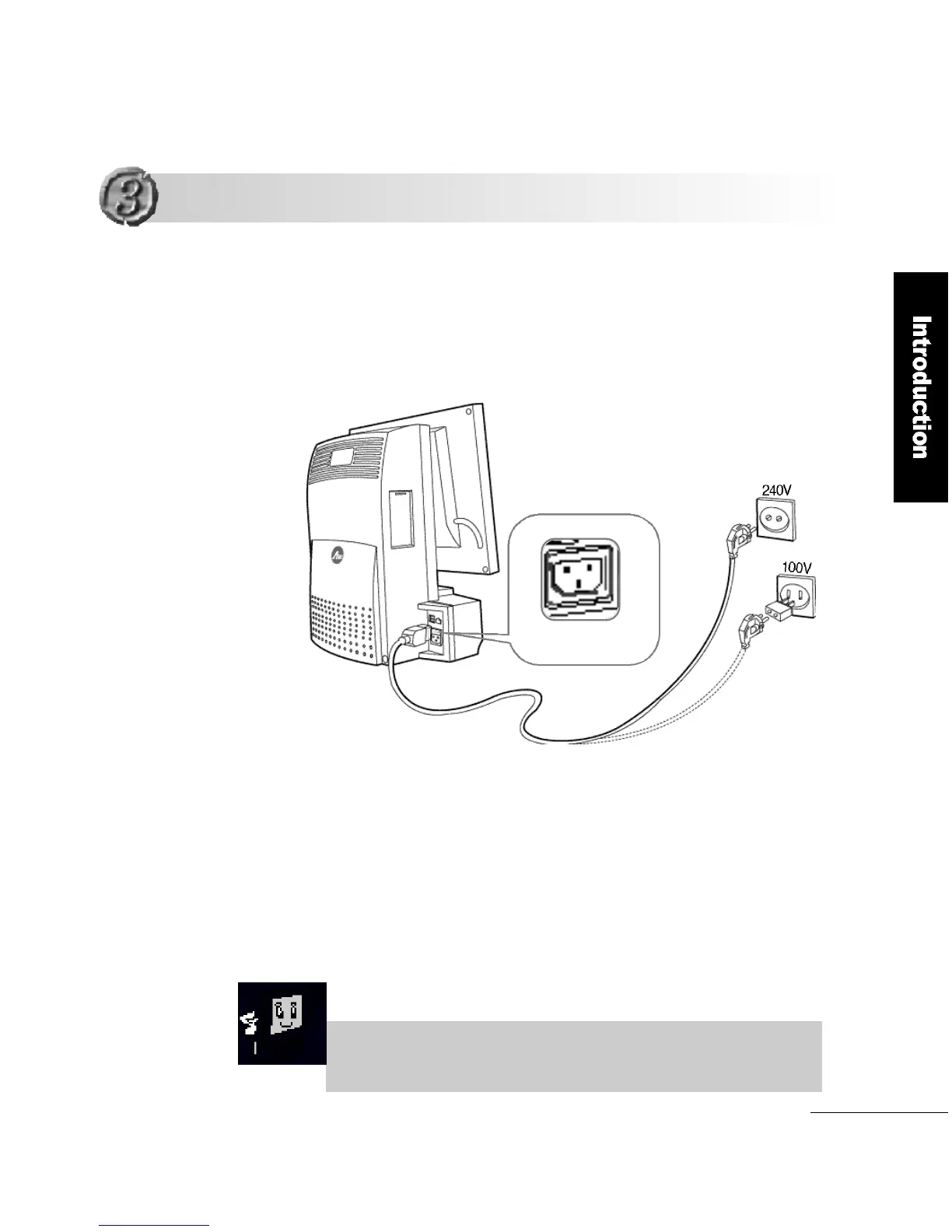
Connect one end of the power cord to the power connector on
the back of the computer as shown below.
Connect the other end to the 240V/100V wall outlet.
When the computer is connected to the wall outlet, but is not
being used, it will automatically switch to standby mode.
The FLATOP voltage is automatically set between 100V and
240V without using a conversion switch.
1
2
3
When the computer is in the standby mode pressing either the
power button or any key can start the computer.
Connecting the Power Cord
Connecting the Power Cord
Power connector
Power cord
Wall outlet



 To Next Page