5 8
Advanced Operations
ESC : EXIT F1 : General Help
F7 : Optimized Defaults
• D i s a b l e d : default setting
•P a s s w o r d: When this option is Selected, move the Cursor to the
KB Power On Passwordfield and press
.
Enter your password. You can enter up to characters.
Type in exactly the same password to confirm,
the press
.
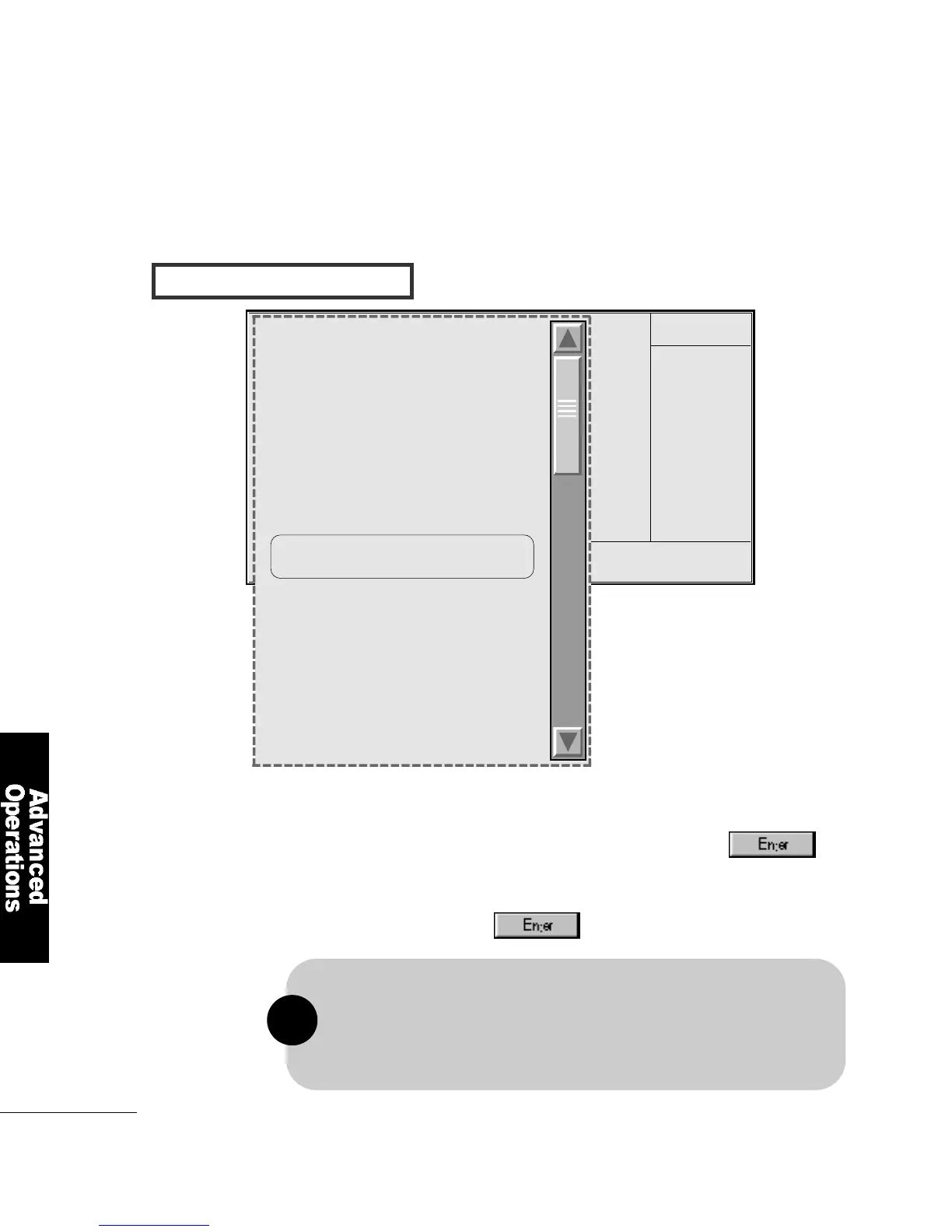
I N T E R G ATED PERIPHERALS
2
Move to Keyboard/Mouse Power On
Item Help
Menu Level
CMOS Setup Utilty-Copyright(C)
1984-1999 Award Software
Integrated Peripherals
On-Chip Primary PCI IDE E n a b l e d
On-Chip Secondary PCI IDE E n a b l e d
IDE Primary Master PIO A u t o
IDE Primary Slave PIO A u t o
IDE Secondary Master PIO A u t o
IDE Secondary Slave PIO A u t o
IDE Primary Master UDMA A u t o
IDE Primary Slave UDMA A u t o
IDE Secondary Master UDMA A u t o
IDE Secondary Slave UDMA A u t o
USB Controller E n a b l e d
USB Keyboard Support E n a b l e d
Init Display First PCI Slot
AC97 Audio E n a b l e d
AC97 Modem D i s a b l e d
Keyboard/Mouse Power On D i s a b l e d
KB Power On Password E n t e r
KB Power On Hot Key C t r l - F 1
Onboard FDC Controller E n a b l e d
Onboard Serial Port 1 3 F 8 / I R Q 4
Onboard Serial Port 2 2 F 8 / I R Q 3
UART2 Mode Select N o r m a l
RxD, TxD Active H i , L o
IR Transmission Delay E n a b l e d
Onboard Parallel Port 3 7 8 / I R Q 7
Parallel Port Mode E C P + E P P
EPP Mode Select E P P 1 . 7
ECP Mode Use DMA 3
PWR Lost Resume State Keep Off
Game Port Address D i s a b l e d
Midi Port IRQ 5
X
X
X
X
X
The power button will not function once a keyboard password has been set in
the KB Power On Passwordfield. You must type the correct password to
power-on the system. If you forgot the password, power-on the system and
then remove the battery. Wait for a few seconds and install it back before
power-on the system.
!



 To Next Page