Advanced Operations
5 7
You can modify the BIOS setup to start the computer by using
the keyboard
CMOS Setup Utilty-Copyright(C) 1984-1999 Award Software
CMOS Setup Utilty-Copyright(C) 1984-1999 Award Software
1
Turning the power on using the Keyboard
Turning the power on using the Keyboard
After you power up the system, the BIOS message appears on the
screen and the memory count begins.
After the memory test, the following message will appear on the
s c r e e n .
Press DEL to enter setup.
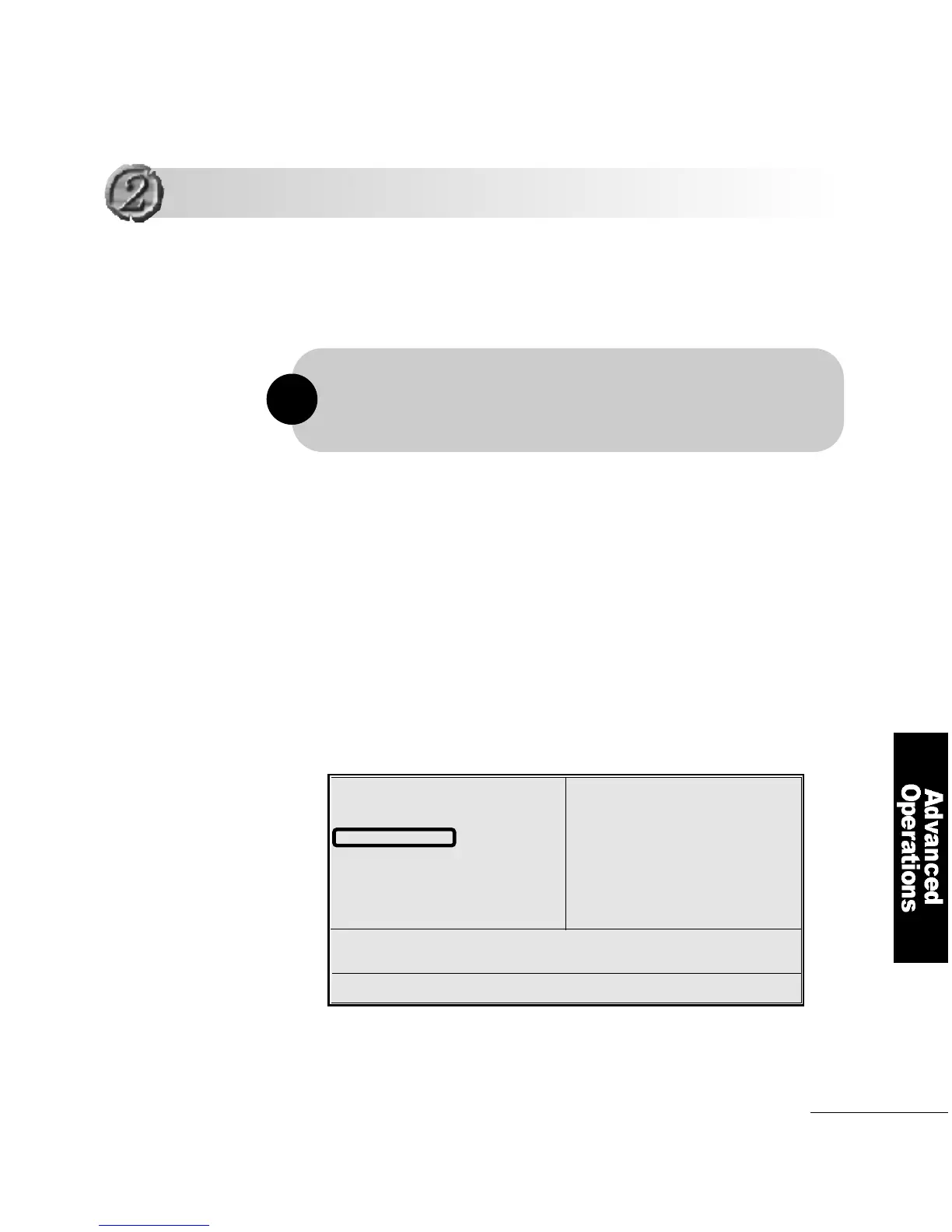
In CMOS Setup′s primary screen, use the arrow keys to move to
Integrated Peripheralsand press E n t e r.
Standard CMOS Features
Advanced BIOS Features
Advanced Chipset Features
Integrated Peripherals
Power Management Setup
PnP/PCI Configurations
Pc Health Status
Frequency/Voltage control
Load Optimized Defaults
Set Supervisor Password
Set User Password
Save & Exit Setup
Exit Without Saving
ESC : Quit F5 : Menu in BIOS ↑↓ : Select Item
F10 : Save & Exit Setup
Time, Date, Hard Disk Type...
You can start the computer without pressing the power button, provided that
the computer is in standby mode and that the computer′s power cord is
connected to a wall outlet
!



 To Next Page