Getting Started
2 1
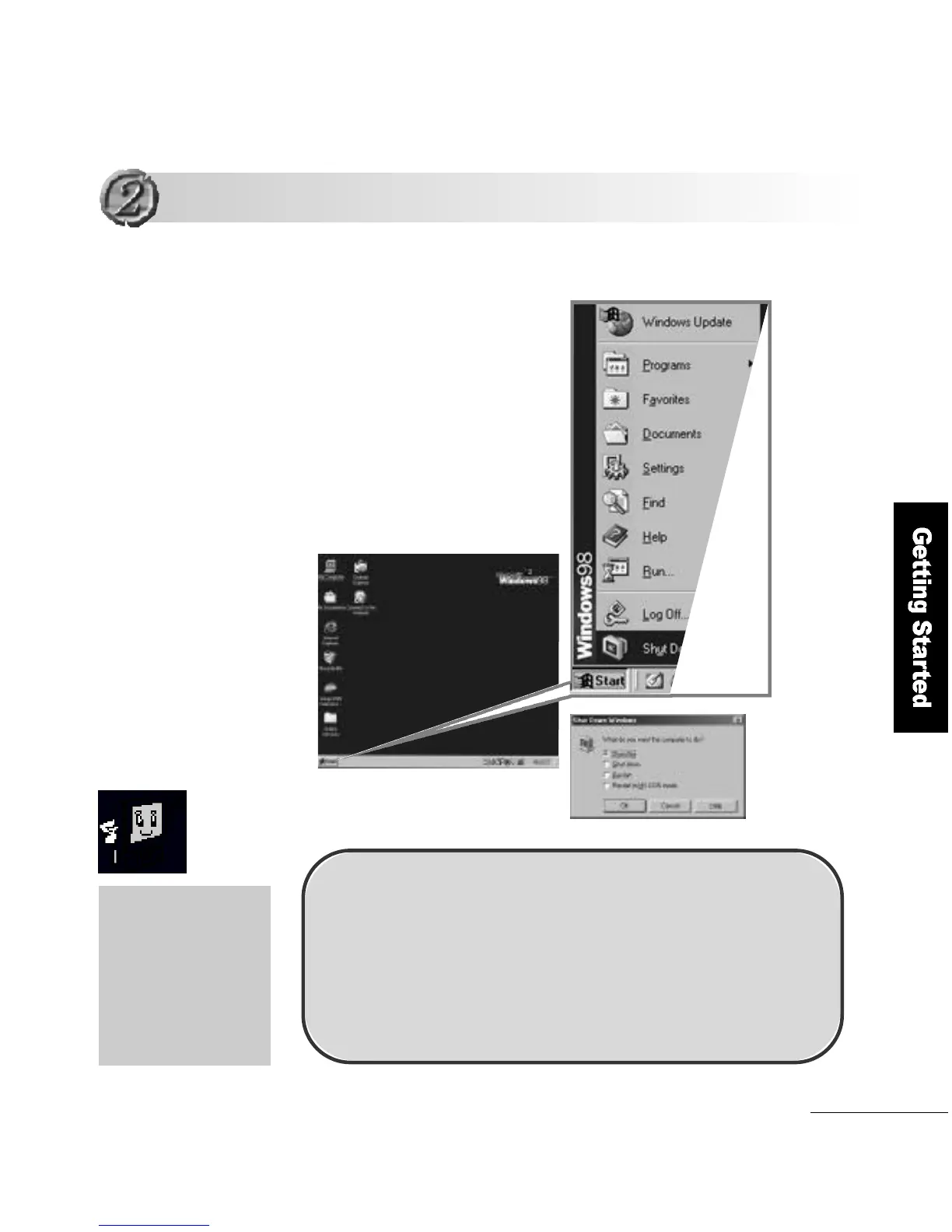
Computer Shutdown
Click S t a r tand select
Shut down to turn the
computer off .
The computer turns off
automatically after 3~4 seconds
When you are not use
the computer for a long
period of time, moving
it or cleaning it, please
be sure to disconnect
the computer from the
wall outlet.
S h u t d o w n
S h u t d o w n
Please follow this method if the computer does not operate
n o r m a l l y , or if it needs a restart due to an error occurring.
1. Click <Ctrl> + <Alt> + <Del> keys.
2. Press and hold the power button for 4 seconds or more,
and release it.
( When the computer does not restart as in No.1 above )



 To Next Page