5 6
Advanced Operations
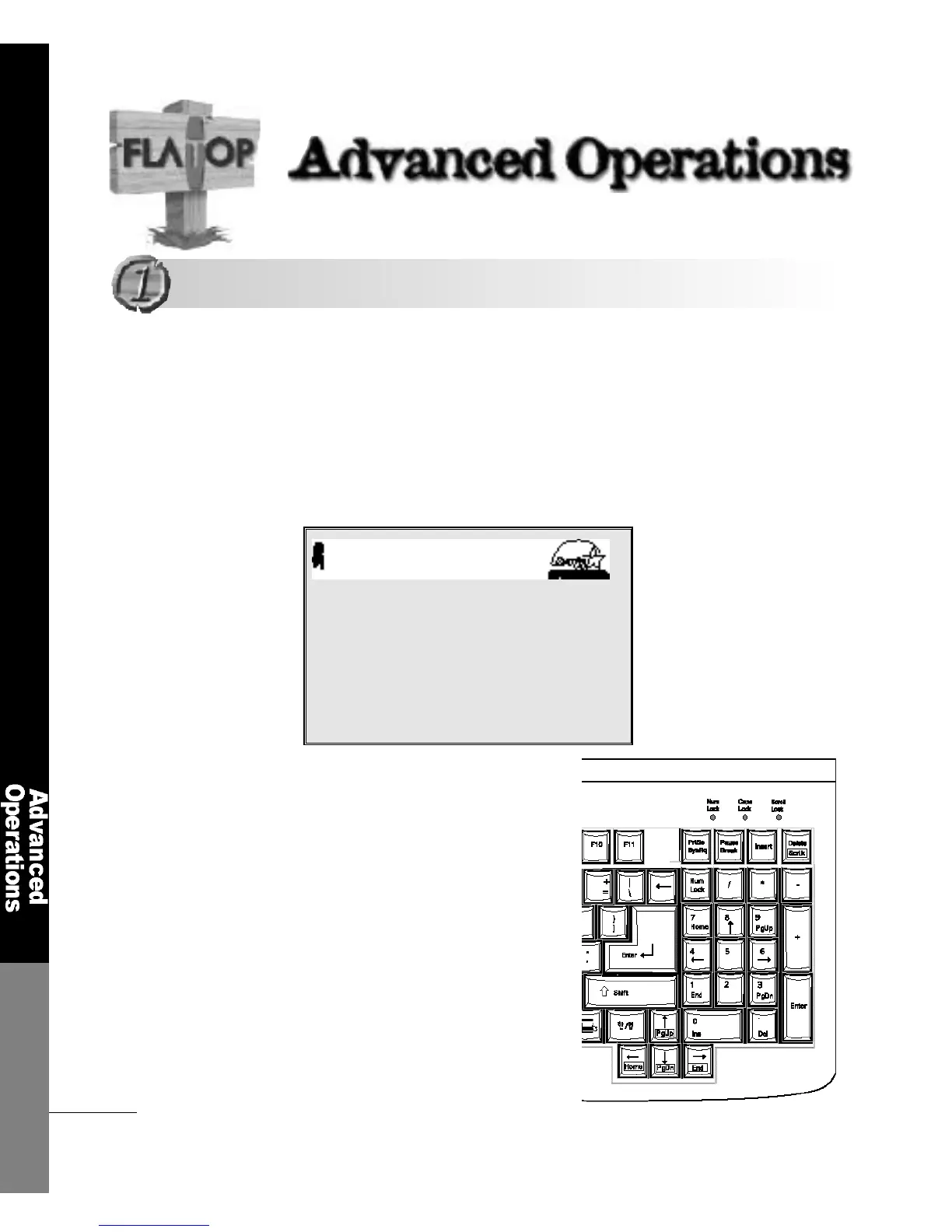
To Enter the System Setup
While the computer is initializing,
you can enter the system setup by
using the <DEL> key
The system setup re p resents how you set the computer′s hard w a re
composition in CMOS. The computer checks the savings in CMOS
every time it starts.
If there is discrepancy between the system setup and the hard w a re
components, you will see error messages. In this case, you have to
modify the CMOS setup according to the new enviro n m e n t .
Number keypad
Award Modular BIOS V6.00PG, An Energy Star Ally
Copyright(C) 1984-1999, Award Software, Inc.
6 F 8 1 0 - 0 A
Award Plug and Play BIOS Extention V1.0A
Copyright (C) 1999, Award Software, Inc.
Detecting IDE drives.......
Entering the System Setup
Entering the System Setup



 To Next Page