6 0
Improved Computer Performance
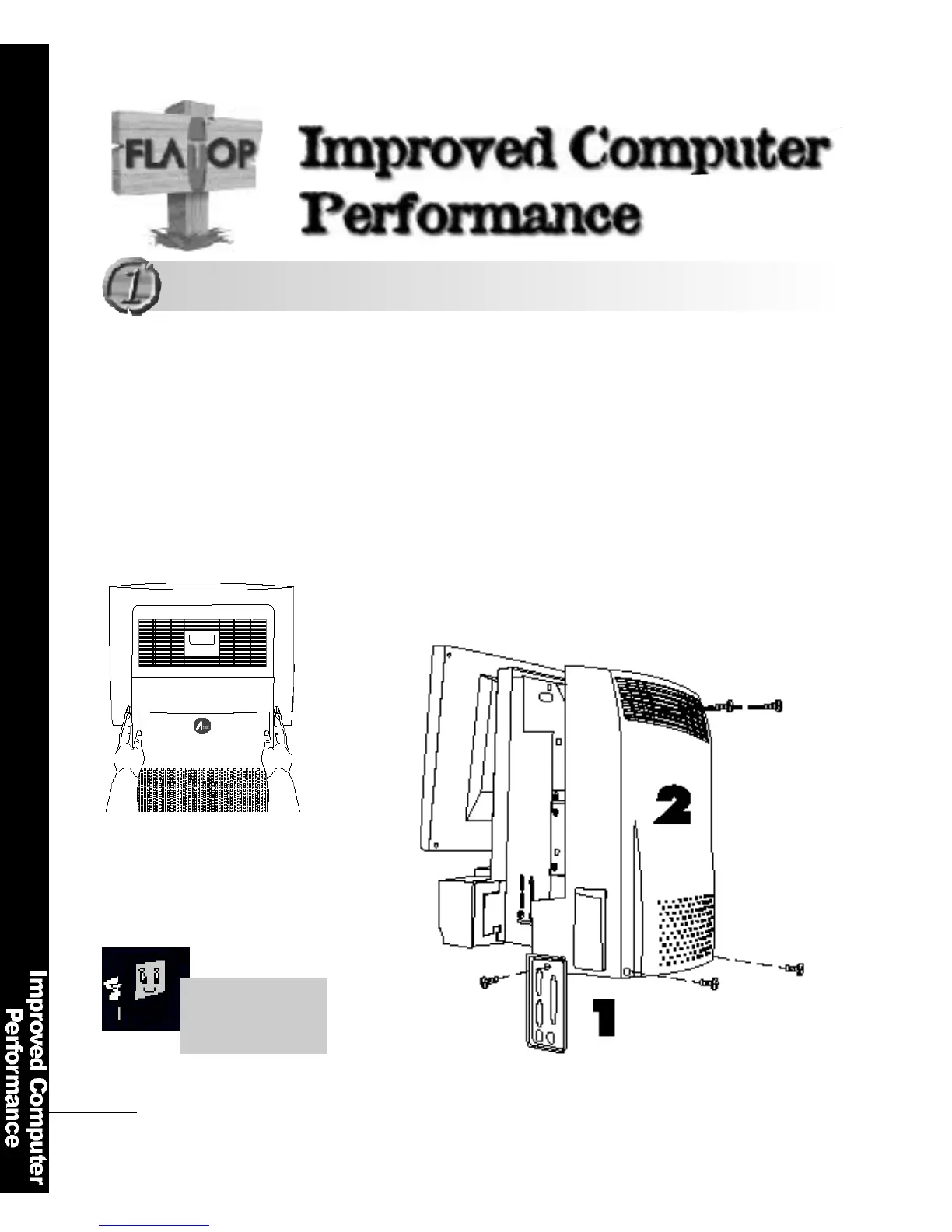
Put the computer on a clean place
Remove the screws.
Pull the cover softly
(Forced pulling could cause damage to the LCD panel).
Disconnect the computer from the power before you remove the
computer cover. Removing the cover with the computer turn e d
on could cause damage to computer components due to fire or
a short-circ u i t .
Opening the ComputerCover
Opening the Computer Cover
Open the computer
according to the
n u m b e r .



 To Next Page