Advanced Operations
5 9
FREQUENCY / VOLTAGE CONTROL
•Hot Key : When this option is selected, move the cursor to the
KB Power On Hot Keyfield to select a function Key
you would like to use to power-on the system.
The options are from Ctrl+F1 to Ctrl+F12.
•Mouse Left : If you select this option, you can turn on the system by
double-clicking the mouse left button.
•Mouse Right : If you select this option, you can turn on the system by
double-clicking the mouse right button
•Any Key : If you select this option, you can turn on the system by
pressing any key.
•Keyboard98 : If you select this option, you can turn on the system using
the ″Wake Up″button on the Windows 98 keyboard.
•Button Only : If you select this option, you can turn on the system only
by pressing the power button (default).
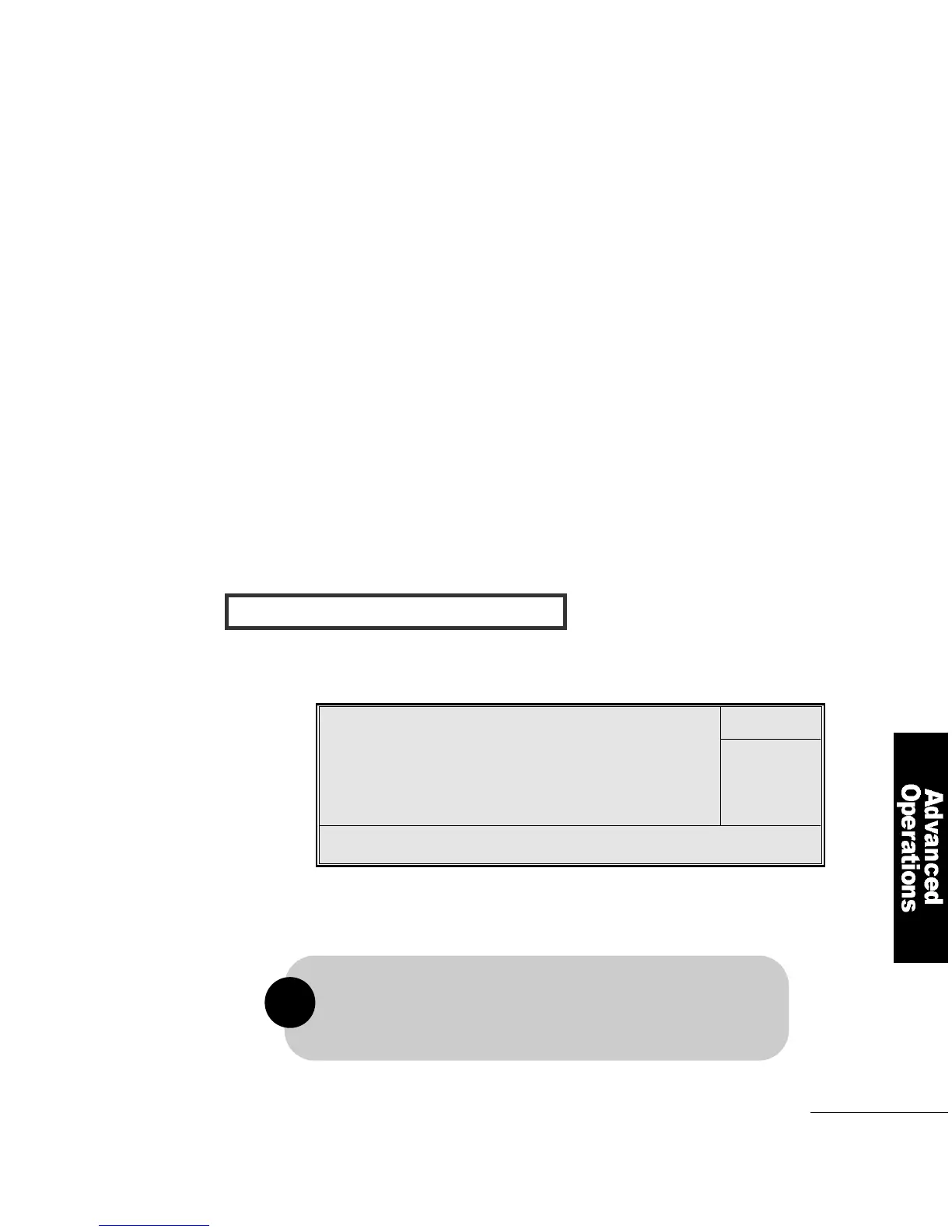
CMOS Setup Utilty-Copyright(C) 1984-1999 Award Software
CPU Frequency Control
You can choose CPU Clock Ratio processor rate. The following
options are provided; x3, x3.5, x4, x4.5, x5, x5.5, x6, x6.5.
↑↓ Move Enter : Select Item +/-/PU/PD : Value F10 : Save ESC : EXIT F1 : General Help
F5 : Previous Values F6 : Fail-safe Defaults F7 : Optimized Defaults
Item Help
Menu Level
Auto Detect DIMM/PCI Clt E n a b l e d
Spread Spectrum E n a b l e d
Host CPU/DIMM/PCI Clock D e f a u l t
CPU Clock Ratio X 3
The frequent ratio of some processors has been fixed by
the manufacturer, therefore you don′t need to over clock them.
If you are using this kind of processor, please ignore this field.
!



 To Next Page