2 2
Getting Started
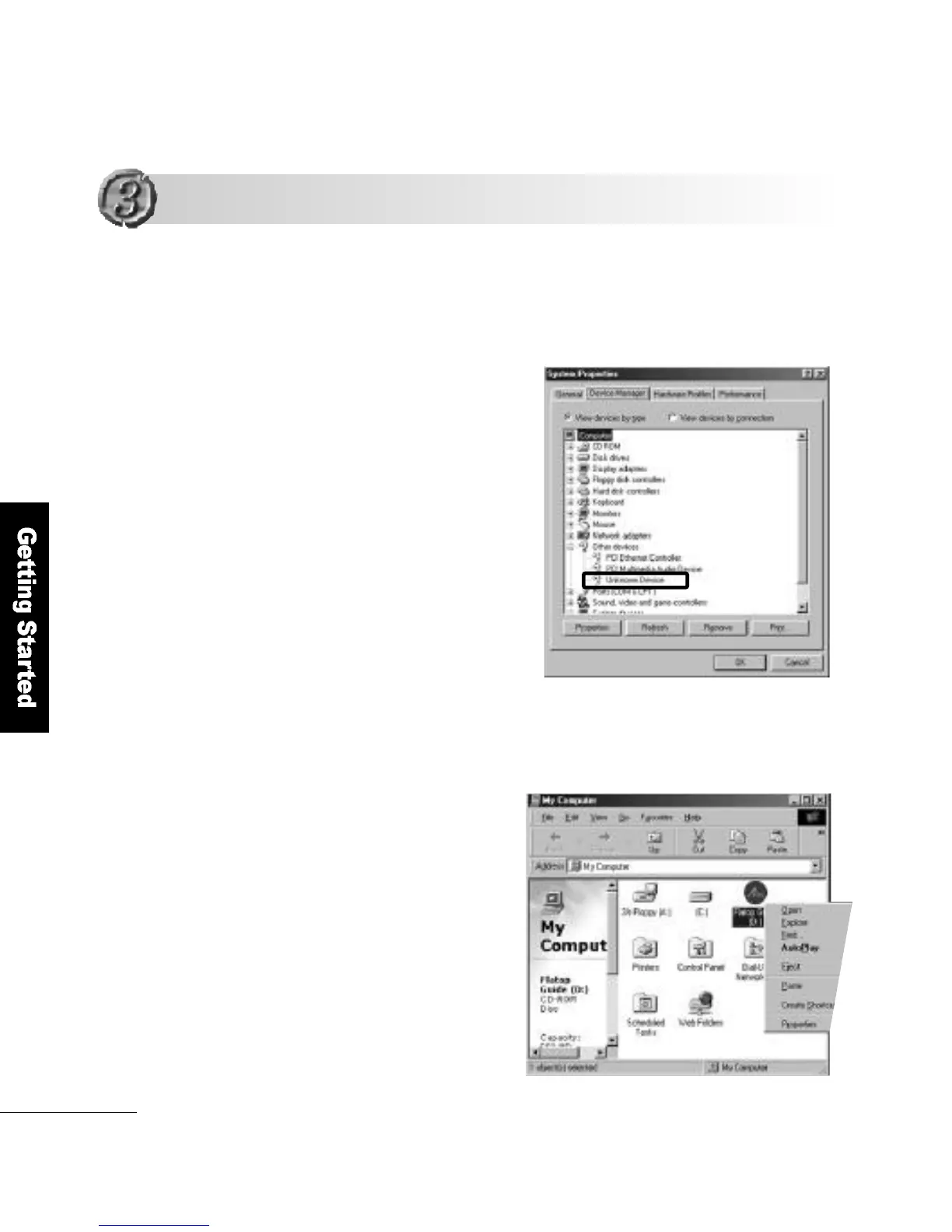
Double-click the My Computer icon on the desktop. Right-Button click
the CD-ROM disk and select O p e n .
Double-click the I N F _ U P D AT E f o l d e r. Run the Setup.
1
➊
➊
How to install INF_UPDAT E
If Unknown device is indicated in the Device Manager of the System
other device Properties dialog box, follow this procedure.
Installing the Drivers
Installing the Drivers



 To Next Page