Getting Started
5 3
Selection switch for
t r a c k b a l l / m o u s e
Make sure that the computer is turned off before you connect the mouse.
You cannot connect two mouses at the same time.
■ Selection sw i t c h for tra ck b a l l / m o u s e
To use the trackball, move the switch so that ″T″is seen
To use the mouse, move the switch so that ″M″is seen
!
Using the Mouse
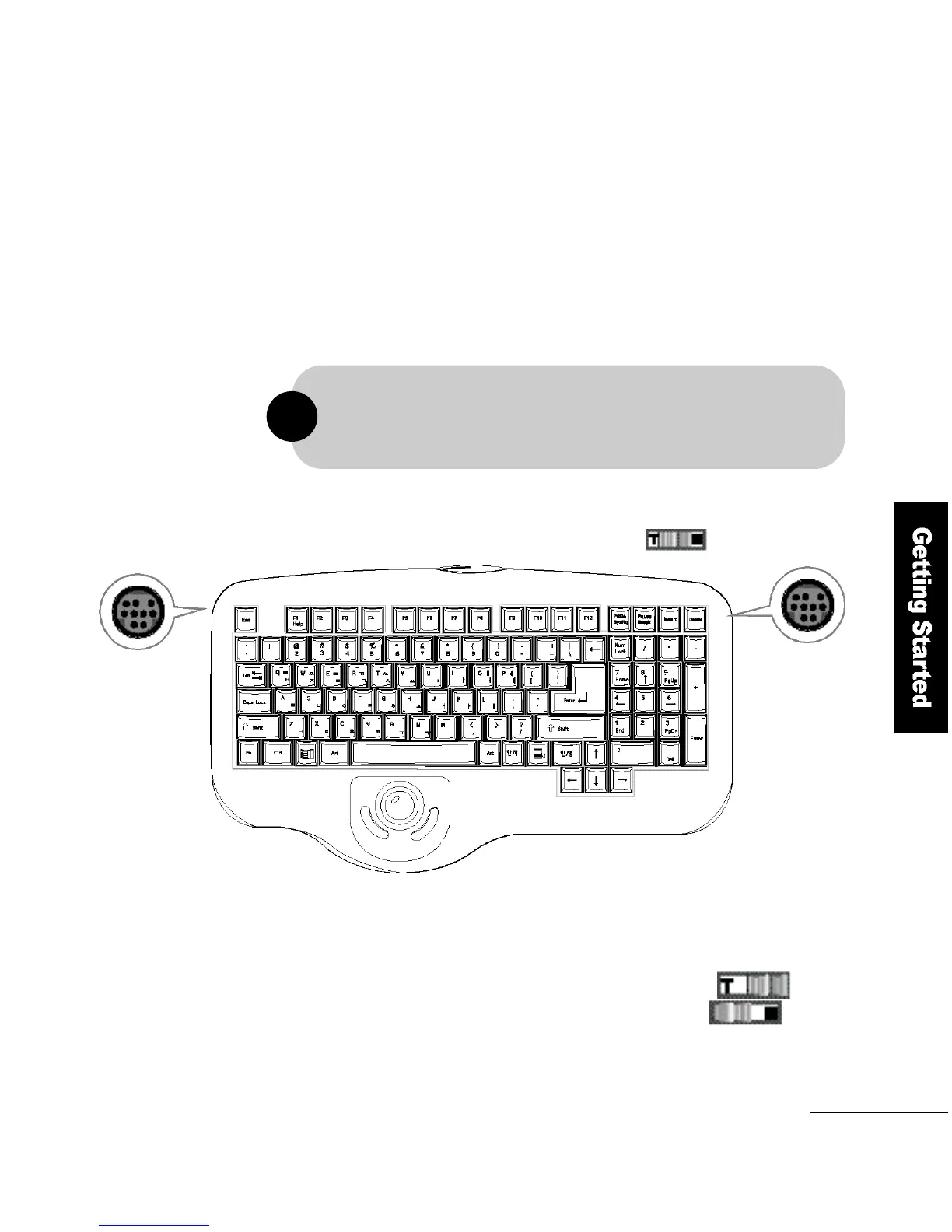
F L AT O P ′s wireless keyboard has two bus-type mouse sockets on its right
and left sides. You can connect the mouse to either of the two sockets
w h i c h e v e r, is most convenient.
➋
➋



 To Next Page