5 4
Getting Started
■H o w to set an ID
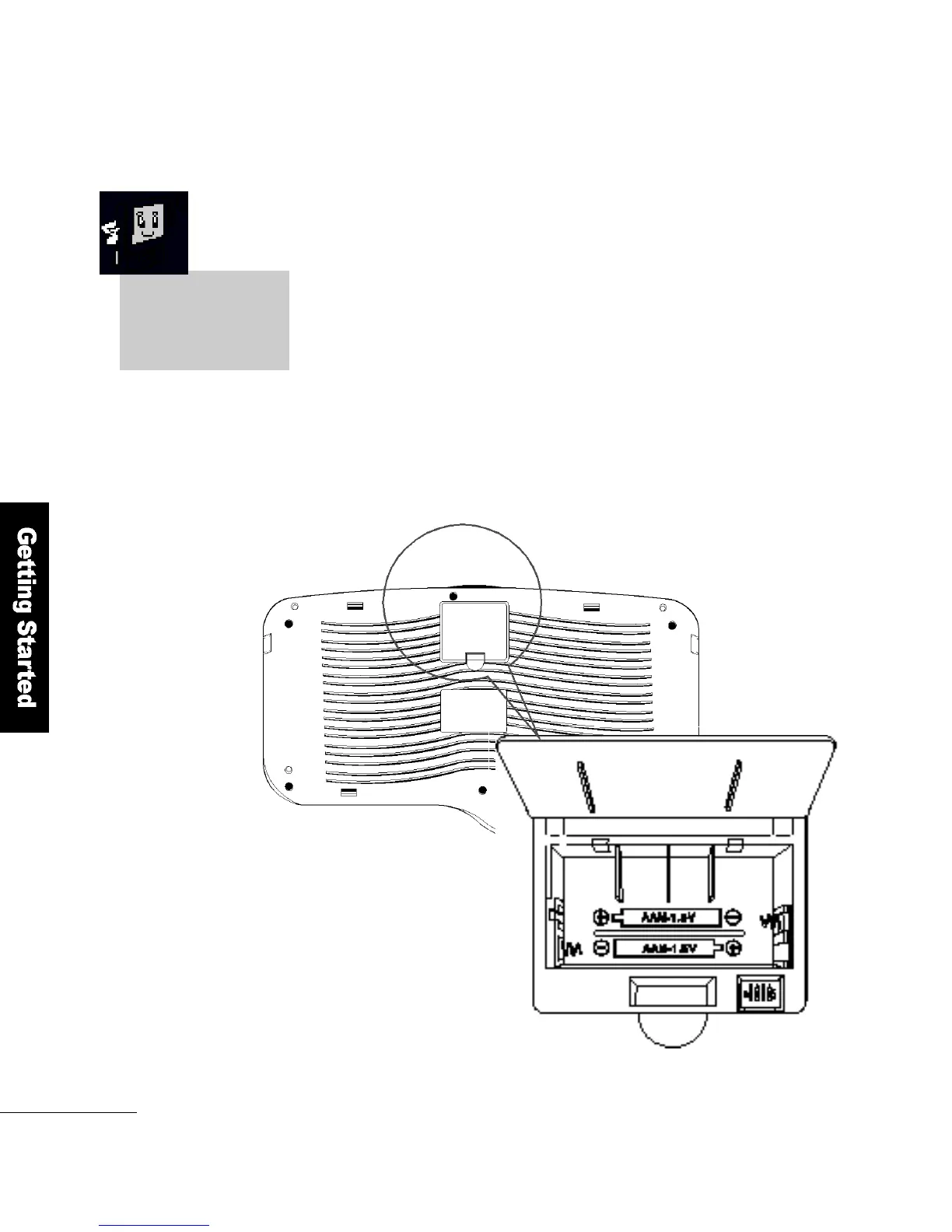
Turn the keyboard upside down, open the battery cover and you will see
ID setting jumpers. You can use as many as 16 IDs from 0 to 15.
Set the jumpers according to the following table.
Keyboard Bottom
Battery Cover
Remove the batteries
before you set the
keyboard ID
ID setting
j u m p e r s
Setting the Keyboard ID
When two or more FLATO P′s are used with wireless keyboards,
d i fferent keystrokes could be input to your FLATO P. So, set a unique ID
for your keyboard to ensure uninterrupted operation.
➌
➌



 To Next Page