6 4
Improved Computer Performance
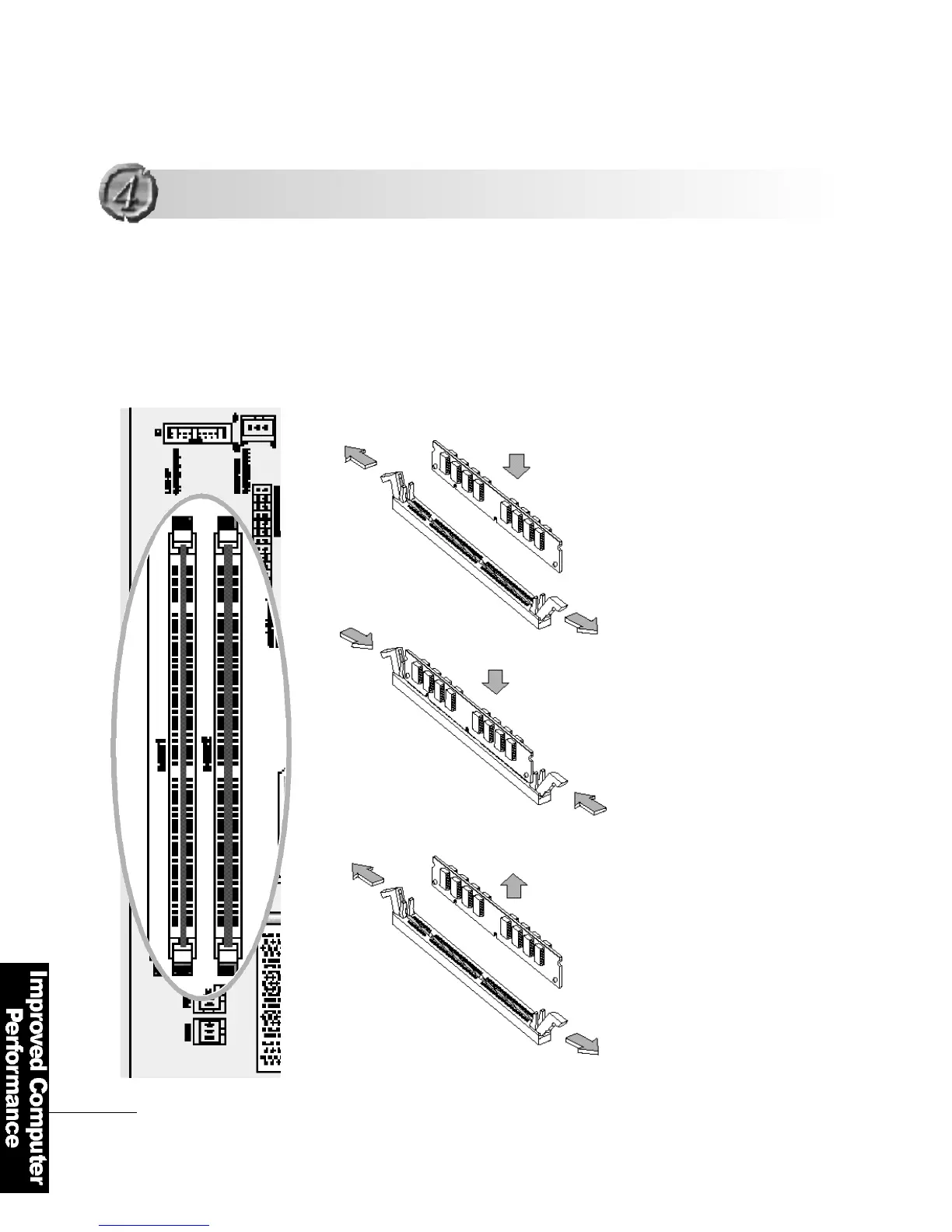
The AF8 uses 168 pin memory modules called
″DIMM (Dual In-line Memory Module)″.
It supports a maximum 512MB.
Pull the lock-in tabs outward to
remove the memory module
Pull the two lock-in tabs outwards
at the both ends of the memory
s o c k e t .
Insert the memory module into the
socket perpendicularly in a
rightwards direction.
1. Inserting the memory module
2
1
1
2
1
2
Expanding the Memory
Expanding the Memory
2. Re m oving the memory module



 To Next Page