6 6
Improved Computer Performance
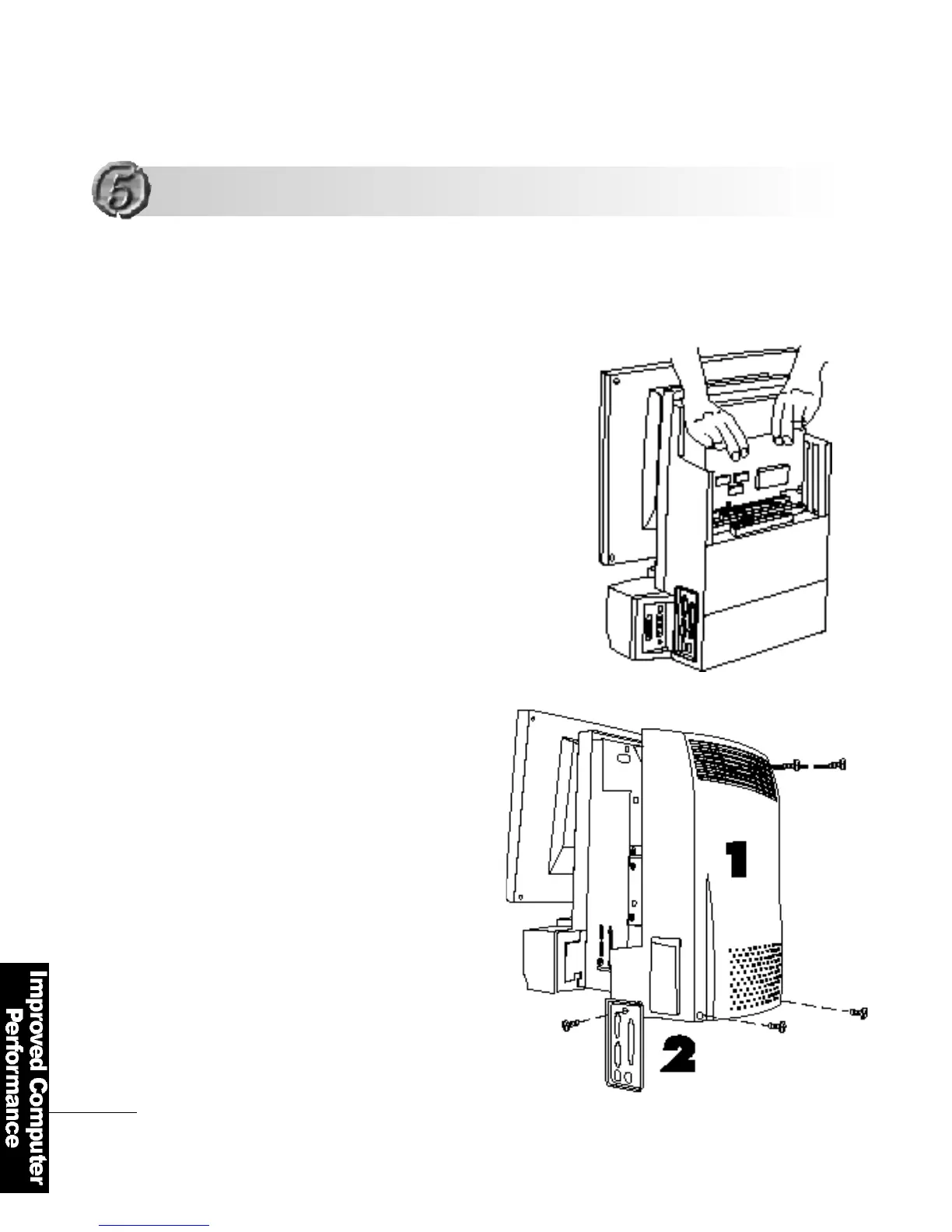
Open the computer cover and insert
the card using both hands
Make sure that the card is correctly
inserted into the slot and fasten the
c a r d′s bracket with a screw.
Close the cover and fasten
it with screws
F L AT O P ′s m a i n b o a rd can accommodate additional
2 PCI cards or 1 AMR card and 1 PCI card .
1
2
3
Installing cards in the Expansion Slot
Installing cards in the Expansion Slot



 To Next Page